 By wpbean
WPB Widgets Accordion for WooCommerce Plugin
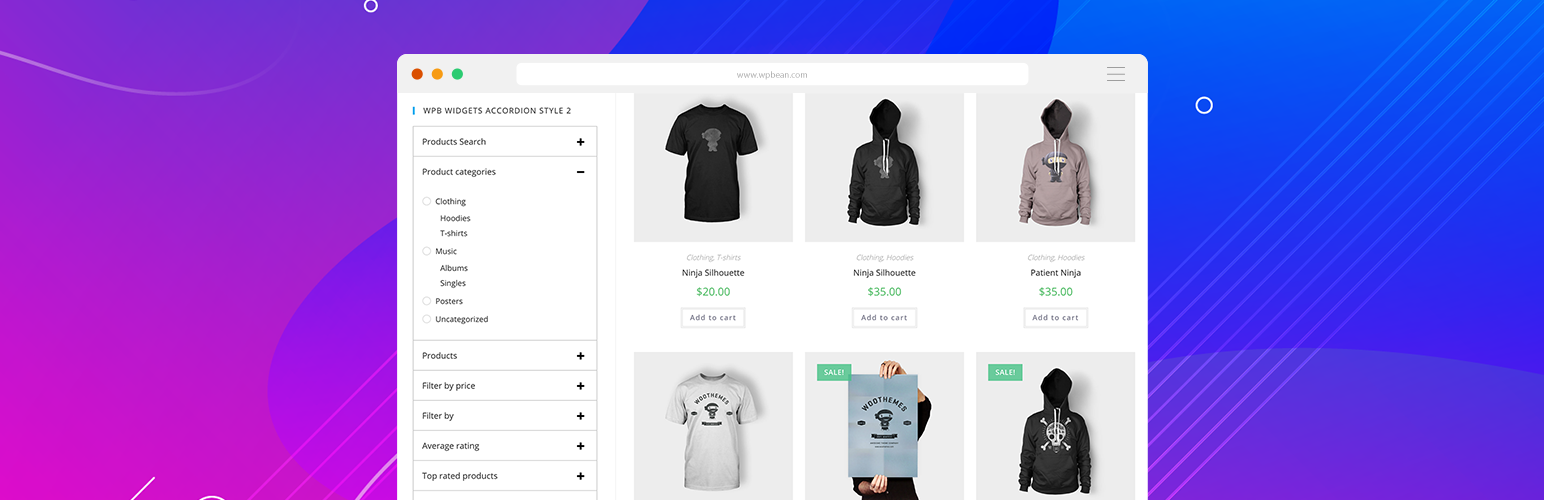
WPB Widgets Accordion for WooCommerce will allow you to show your widgets in an accordion.
You may have so many widgets on your shop page and you want to show all the widgets in a clean accordion. So that your shop page looks more professional and clean. In that situation, our WPB Widgets Accordion for WooCommerce plugin comes handy.
This Widgets Accordion Plugin can turn your widgets to a collapsible accordion. So that you can add more widgets with more contents than your theme default widgets. Our Widgets Accordion Plugin will work like a charm.
You can check our WPB Widgets Accordion for WooCommerce plugin live demo and if you have any questions or any feature request, please open a support ticket on our forum.
Plugin Features:
- Two different styles for the accordion.
- Very simple and easy to use with shortcode.
- Work with any WordPress theme.
- Modern responsive clean design.
- Easy ShortCode system.
- All Modern Browser Support.
- Translation & RTL Language ready.
- Very Lightweight & many More
Installation
- Install it as a regular WordPress plugin
- Add your widgets in this plugin widget area.
- Add this plugin shortcode where you want to show the accordion.
Screenshots

Widgets Accordion Style 1.
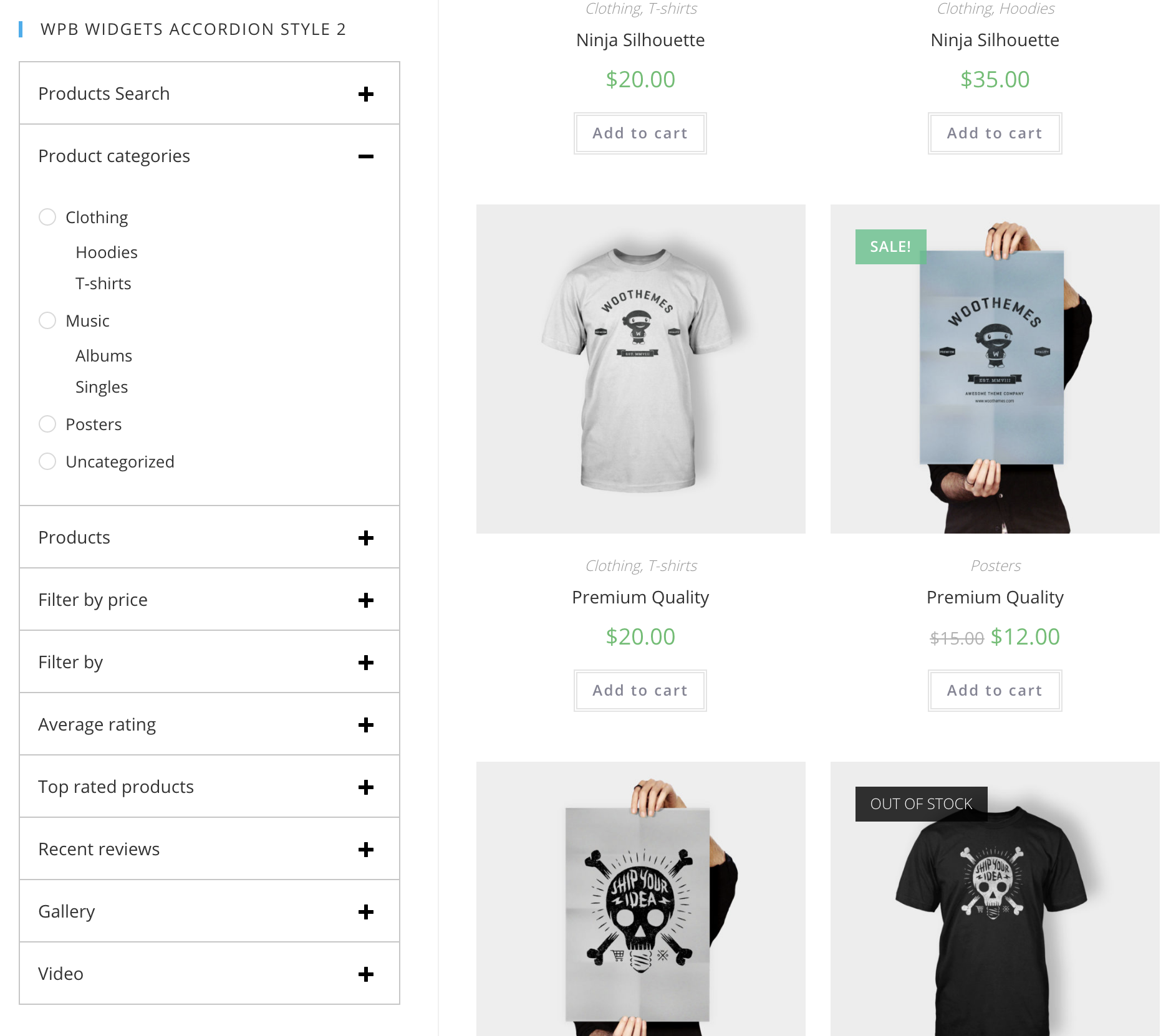
Widgets Accordion Style 2.

Adding widgets for accordion.

Accordion shortcode.
FAQ
Go to your site admin > Appearance > Widgets. Here add your widgets under the WPB Widgets Accordion area.
You can show the widgets accordion by using our shortcode. – http://docs.wpbean.com/docs/wpb-woocommerce-widgets-accordion/how-to-show-the-widgets-accordion/
Changelog
version 1.0
- Initial release
version 1.0.1
- Added WordPress 5.2.1 and WooCommerce 3.6.4 support
version 1.0.2
- Added WordPress 5.2.4 and WooCommerce 3.7.1 support.
version 1.0.3
- Added WordPress 5.3 and WooCommerce 3.8.1 support.
version 1.0.4
- Added WordPress 5.6.1 and WooCommerce 5.0.0 support.