

Under Construction Plugin
Easy to use Under Construction Page & Coming Soon Page. Enable Under Construction Mode in seconds & show you're Under Construction!
Create an Under Construction Page, Maintenance Mode Page, Coming Soon Page or a Landing Page that takes less than a minute to install & configure. Under Construction won’t waste your time! It’s simple, fast, efficient & user-friendly with great templates users love. Under Construction uses Bunny Fonts for GDPR compatibility.
PRO version offers more than 50 extra features and options including the drag&drop builder, over a million hi-res searchable images, 300+ templates, affiliate&traffic tracking, advanced access control, MailChimp, Zapier & universal autoresponder integration, white-label license mode and priority support. Find out more on the official plugin site.
A simple, no-nonsense under construction plugin for all those situations when you have to hide the site behind an Under Construction page for a while. Live examples are available on the Under Construction website. Give us a shout on Twitter @WebFactoryLtd or check out the video.
Thanks to our partnership with Weglot, UCP is fully multilanguage ready and you can instantly translate your under construction page to 100+ languages with one click.
If you’re having problems with SSL or HTTPS try our free WP Force SSL plugin. It’s a great plugin to enable SSL and fix SSL issues.
Options
- Under construction mode – on / off
- Automatic End date & time – automatically disable under construction mode on a set date
- Google Analytics Tracking ID – enable tracking via Google Analytics
- Theme – test all available themes (200+)
- Custom CSS – adjust any part of the page to fit your needs
- Title – page title, for SEO
- Description – page description, for SEO
- Headline – main headline/title
- Content – anything you need to display
- Optin box, optin popup – collect leads and emails and sync with MailChimp and other autoresponders
- Login Button – show a discrete link to the login form, or WP admin if you’re logged in
- Social icons/links – new ones are added with every update; let us know if we missed your favorite ones
- YouTube
- Vimeo
- Dribbble
- Behance
- Phone
- Skype
- Telegram
- Tumblr
- VK
- Whitelisted User Roles – user roles who see the site, instead of under construction page
- Whitelisted Users – users who see the site, instead of under construction page
Under Construction Page is compatible with the following caching plugins: W3 Total Cache, WP Super Cache, Endurance Page Cache, SiteGround SuperCacher, WP Fastest Cache, Swift Performance Cache, WP Rocket, Cache Enabler, and Hummingbird cache.
What are others saying about the Under Construction Page plugin
- WHSR wrote an in-depth guide on how to “Grow Your Blog Before It Is Born” featuring Under Construction Page
- John Fraskos from Codestag says it’s “very friendly and easy to use”
- WP Pluginsify wrote a review
- Erik from NoPassiveIncome points out: “plugin is so easy and quick to use”
- Planet WP gave it 5/5 stars
- FirstSiteGuide says: “a perfect choice”
- WPblog wrote a review as well
- WP TopDog had Daniel explain how to use the Under Construction Page
GDPR Compatibility
We are not lawyers. Please do not take any of the following as legal advice.
Under Construction plugin uses Bunny Fonts on the front end, and in the admin. Usage of the Google Analytics service is optional. No other resources are loaded from or shared with 3rd parties. Opting to use Bunny Fonts and/or Google Analytics will result in data sharing/tracking as described in their terms of service.
If you opt to activate your PRO license in the plugin admin, some data will be shared with WebFactory Ltd; that’s clearly noted below the license activation form.
Installation
Follow the usual routine;
- Open WordPress admin, go to Plugins, click Add New
- Enter “under construction page” in search and hit Enter
- Plugin will show up as the first on the list, click “Install Now”
- Activate & open plugin’s settings page located under the Settings menu
Or if needed, upload manually;
- Download the plugin.
- Unzip it and upload to /wp-content/plugins/
- Open WordPress admin – Plugins and click “Activate” next to the plugin
- Activate & open plugin’s settings page located under the Settings menu
Screenshots
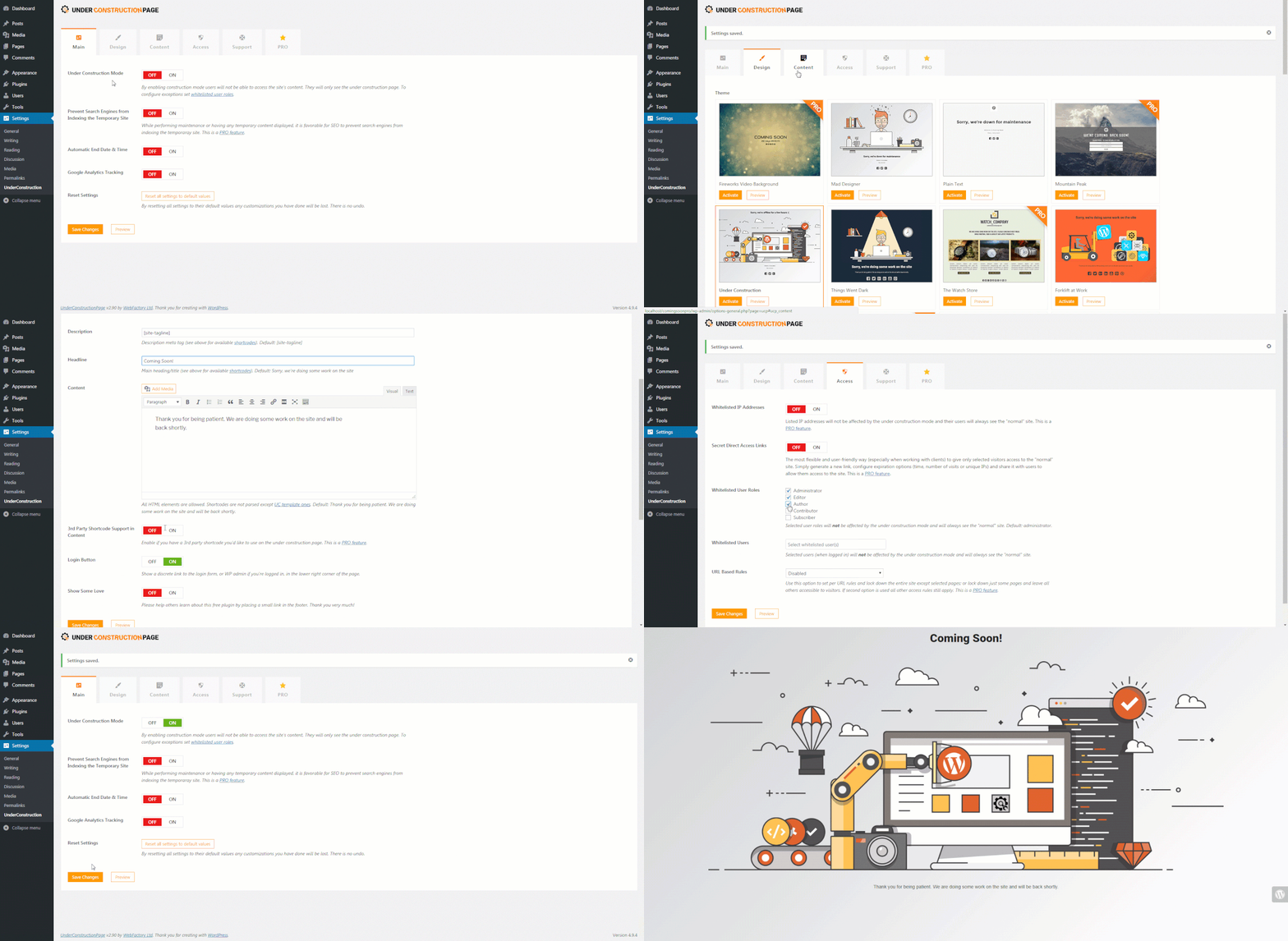
Build an under construction page in less than a minute with over 30 themes
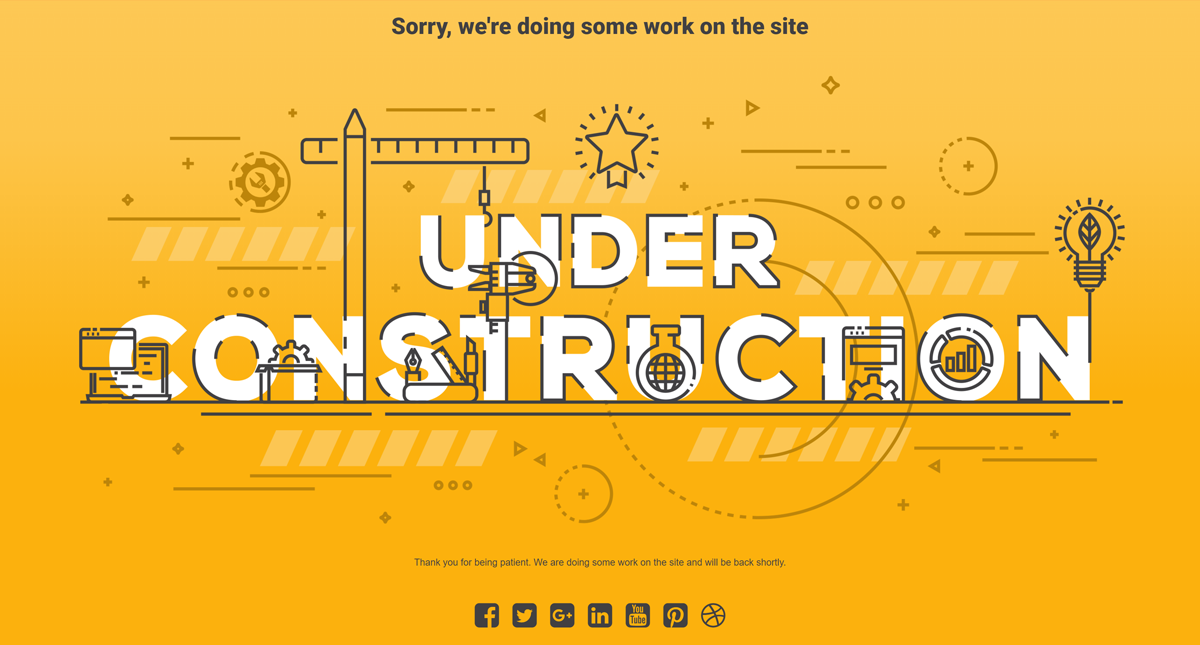
Under Construction Text theme
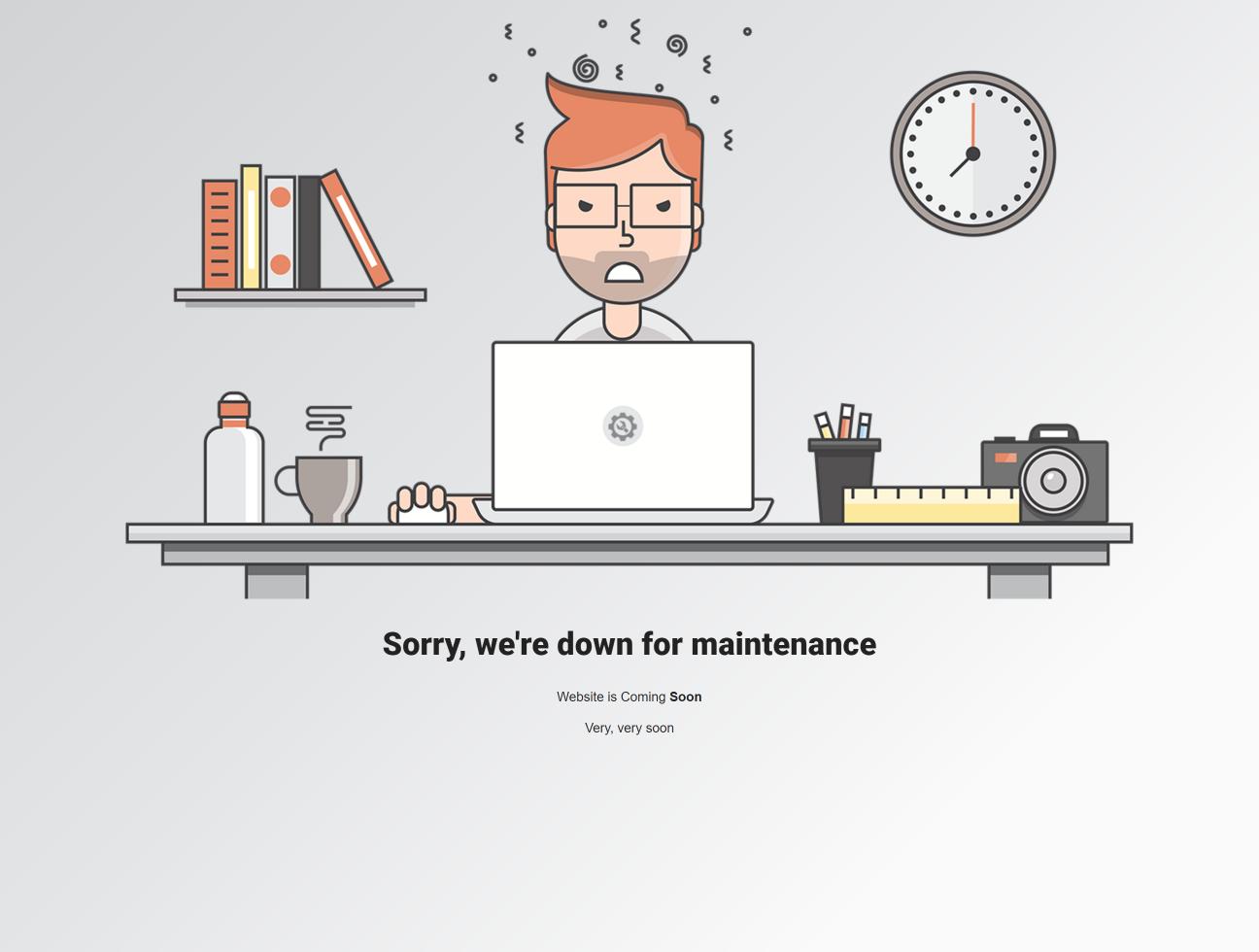
Mad Designer theme
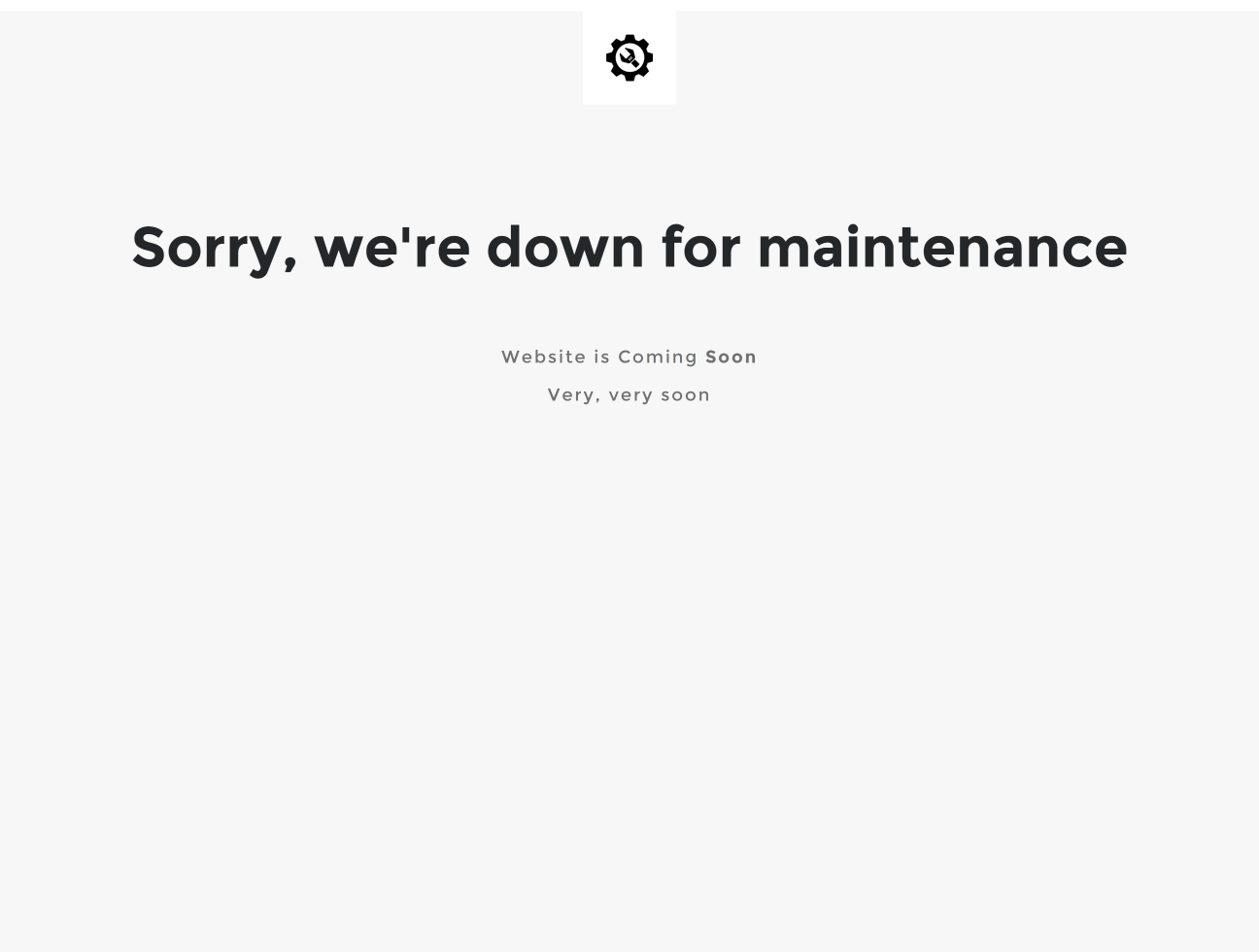
Plain Text theme
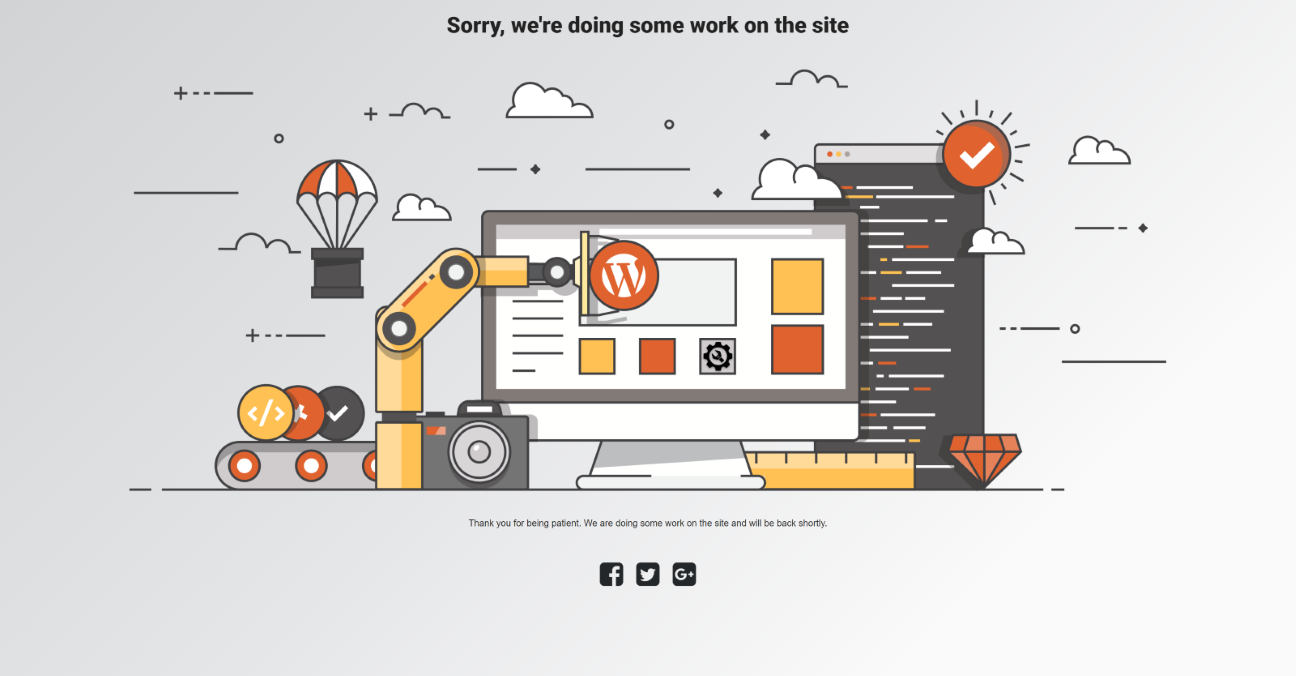
Under Construction theme

Things Went Dark theme
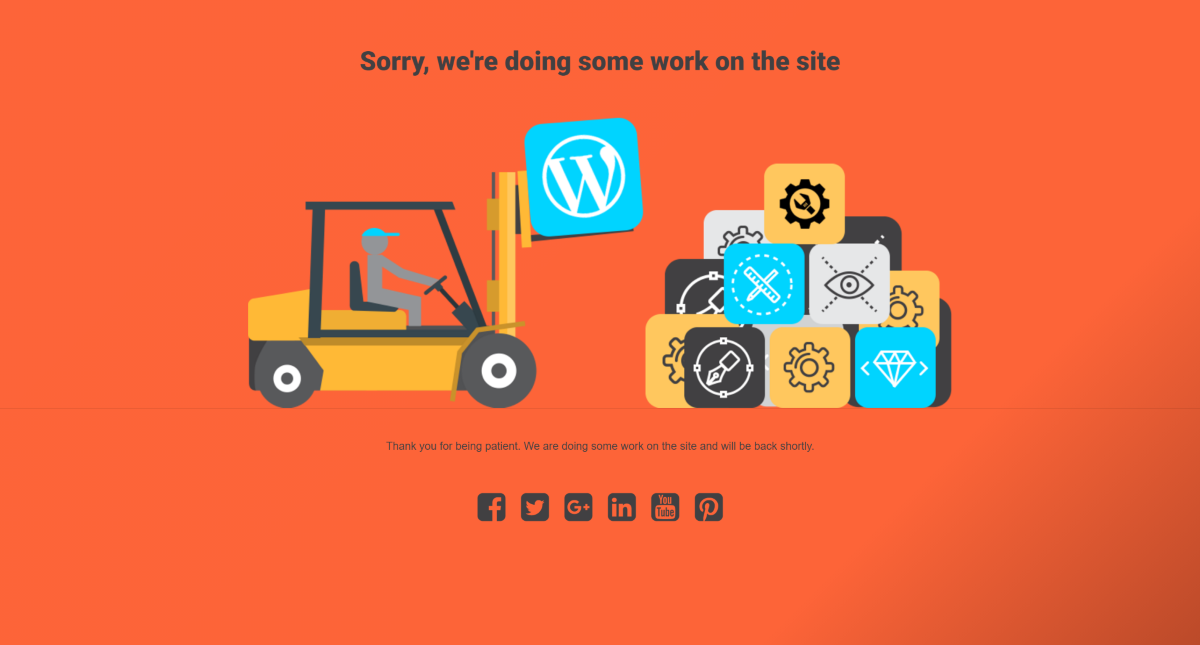
Forklift at Work theme
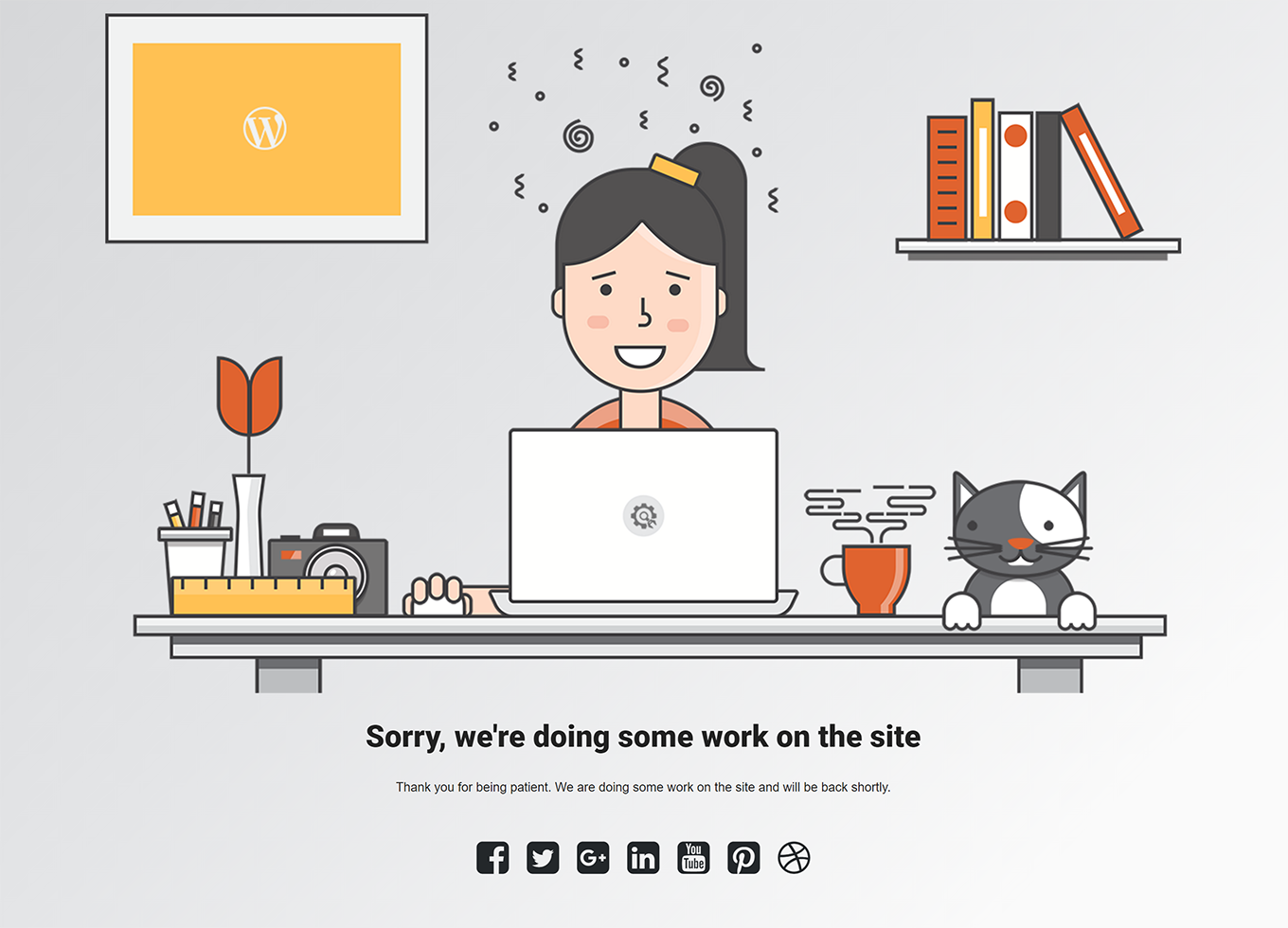
Cyber Chick theme
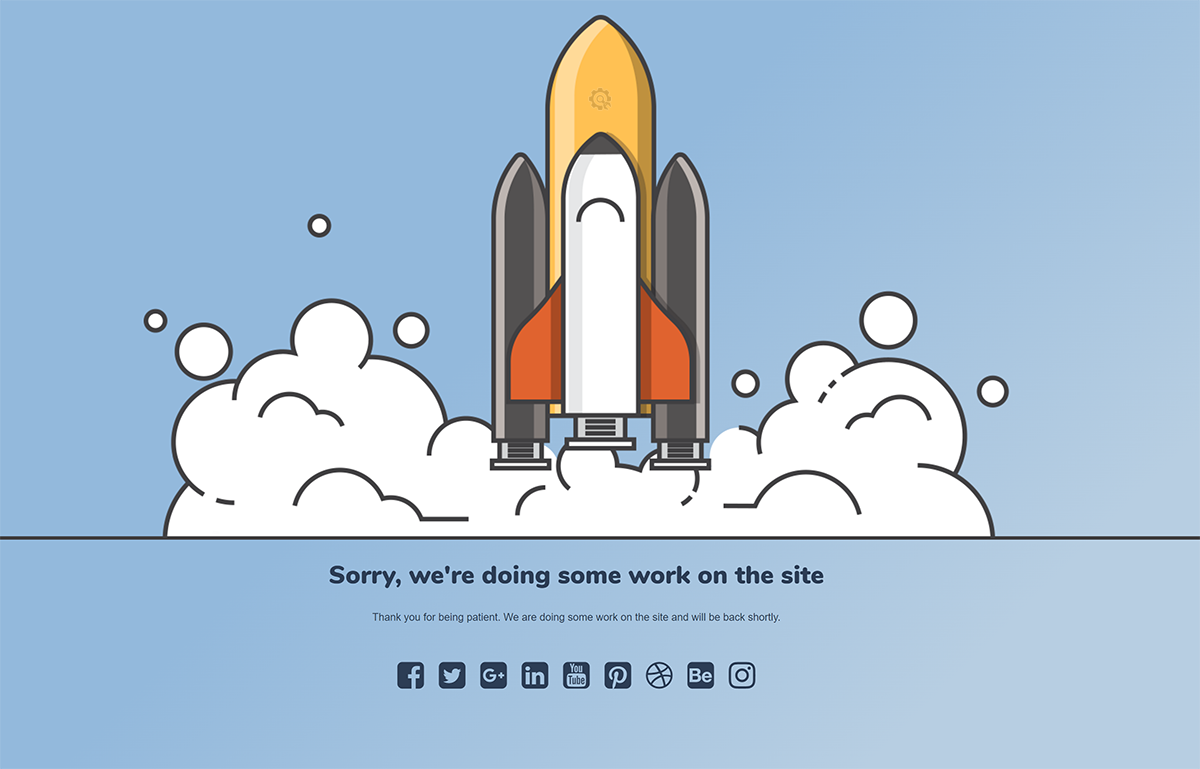
Rocket Launch theme

Loader at Work theme
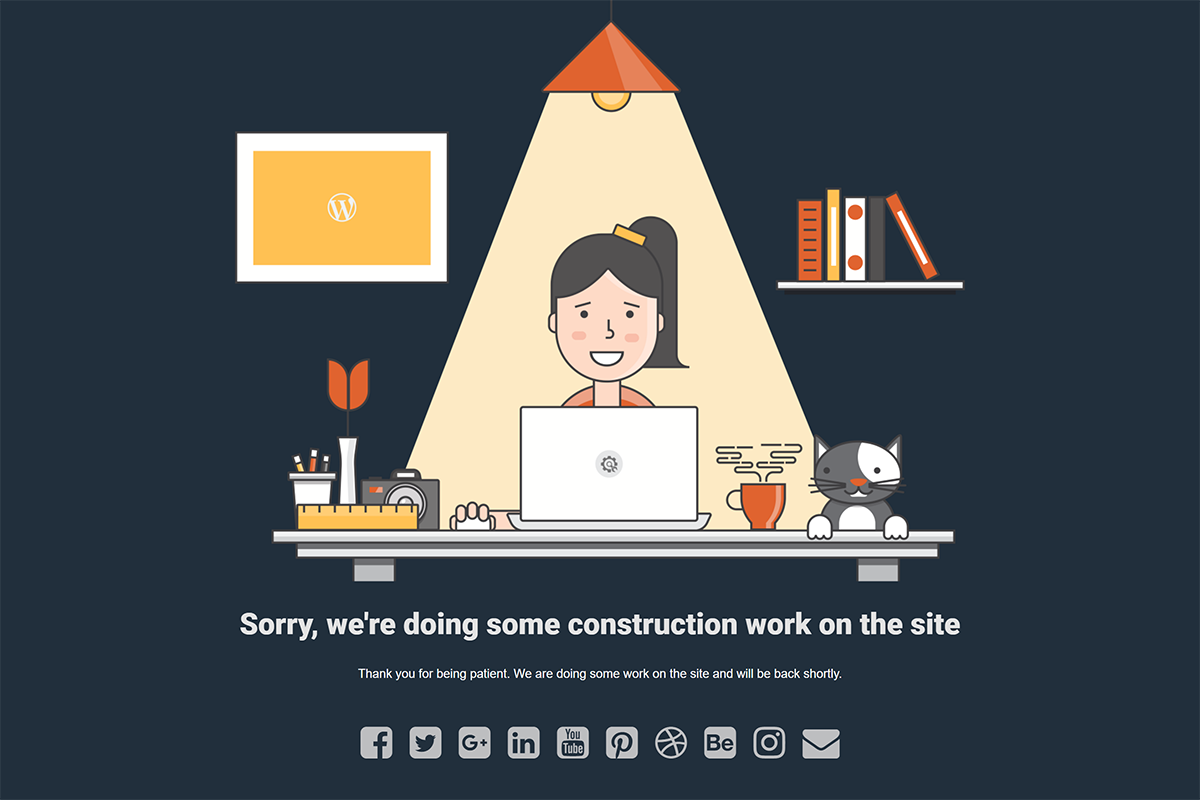
Cyber Chick Dark theme
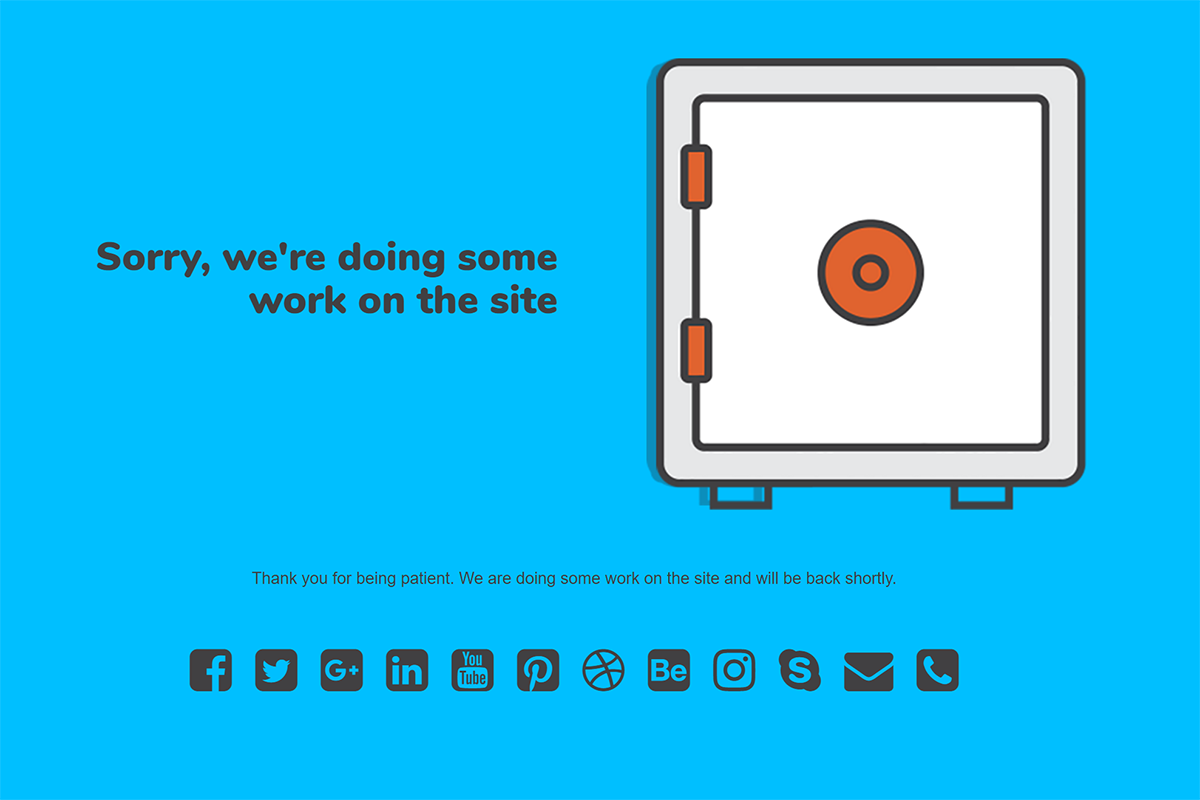
Safe theme

People at Work theme
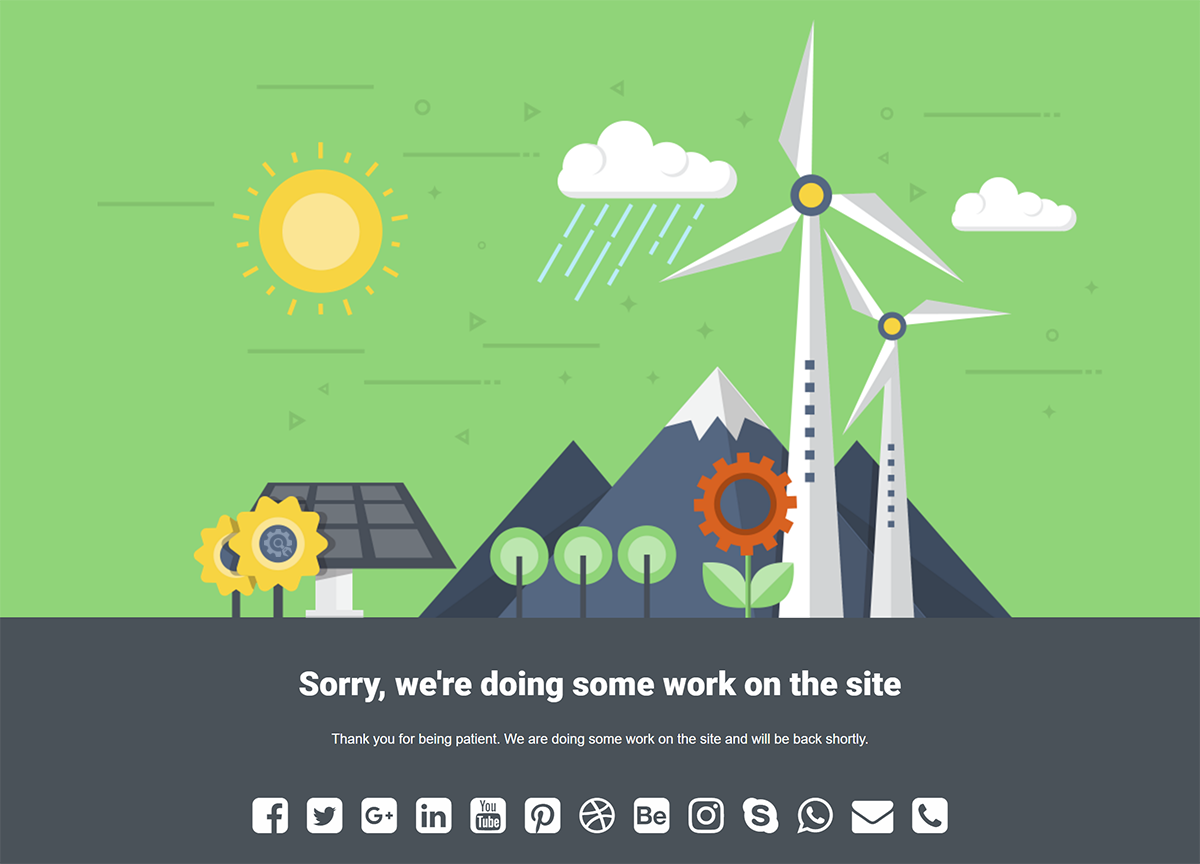
Windmill theme
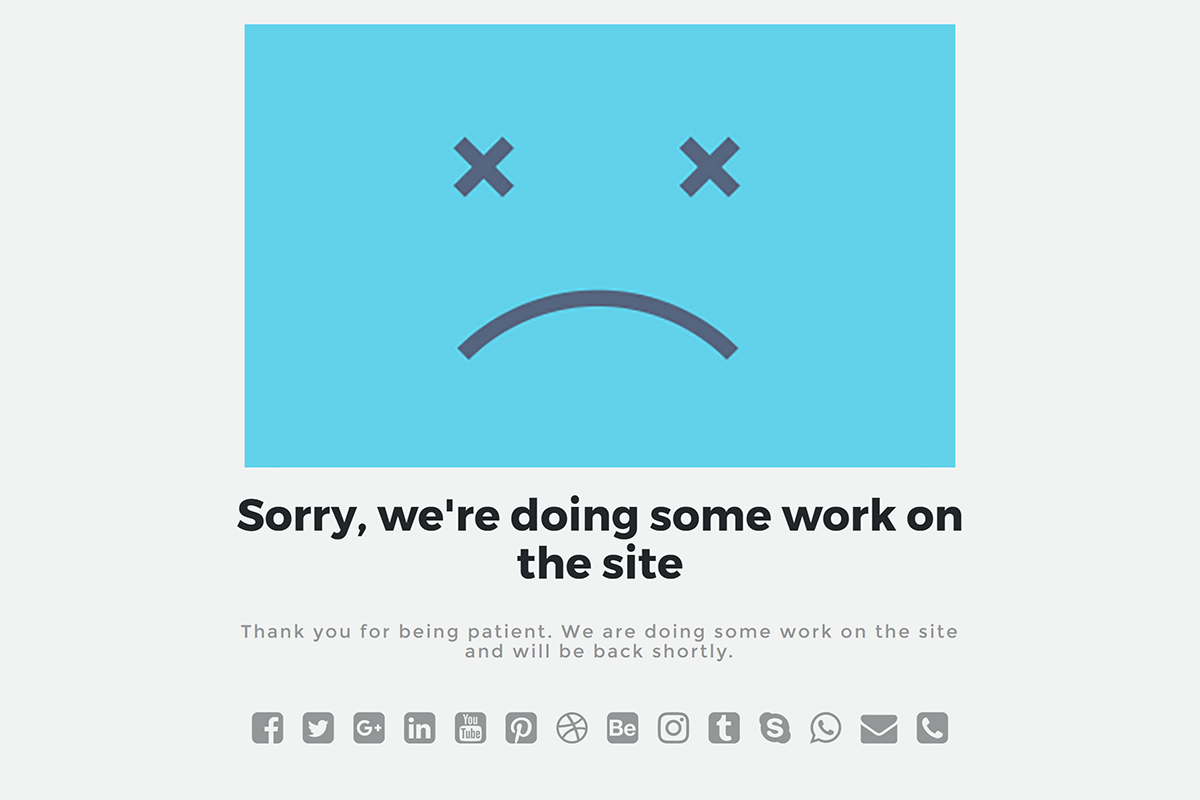
Sad Site theme
Lighthouse
Hot Air Balloon

People at Work #2 theme
Rocket Launch #2 theme
Light Bulb theme
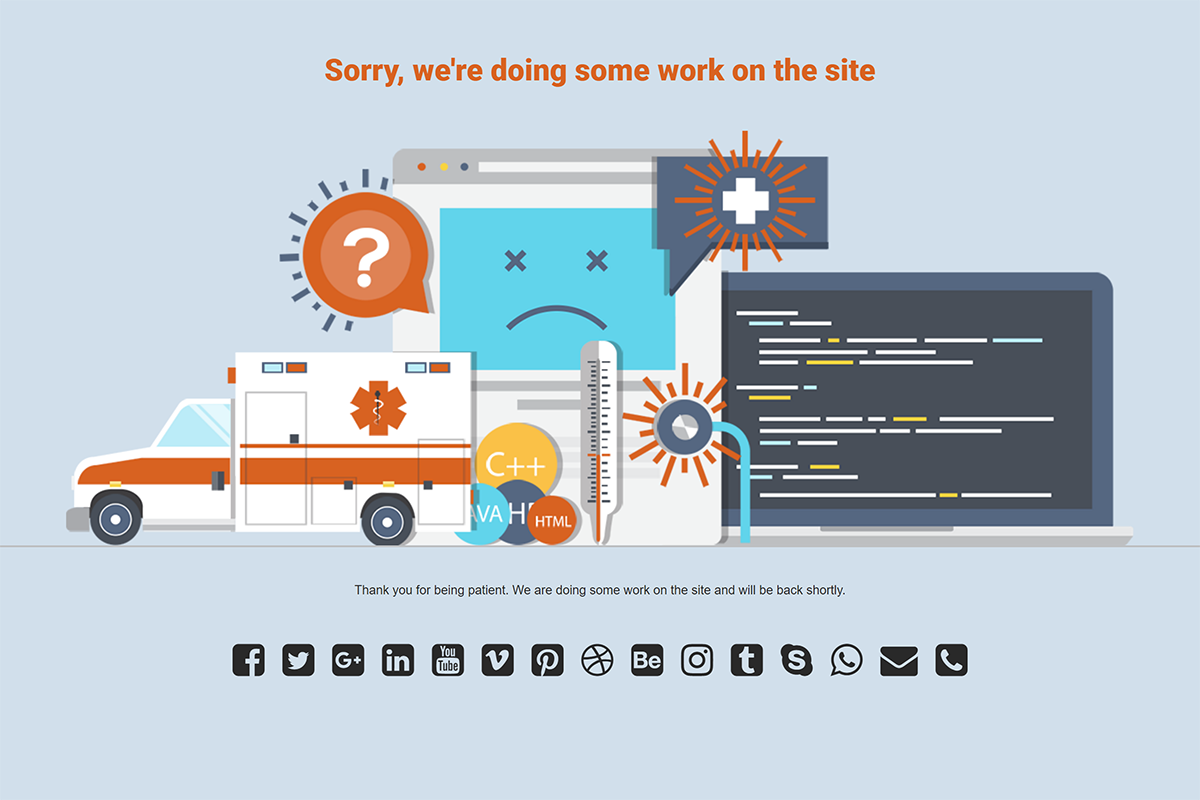
Ambulance theme
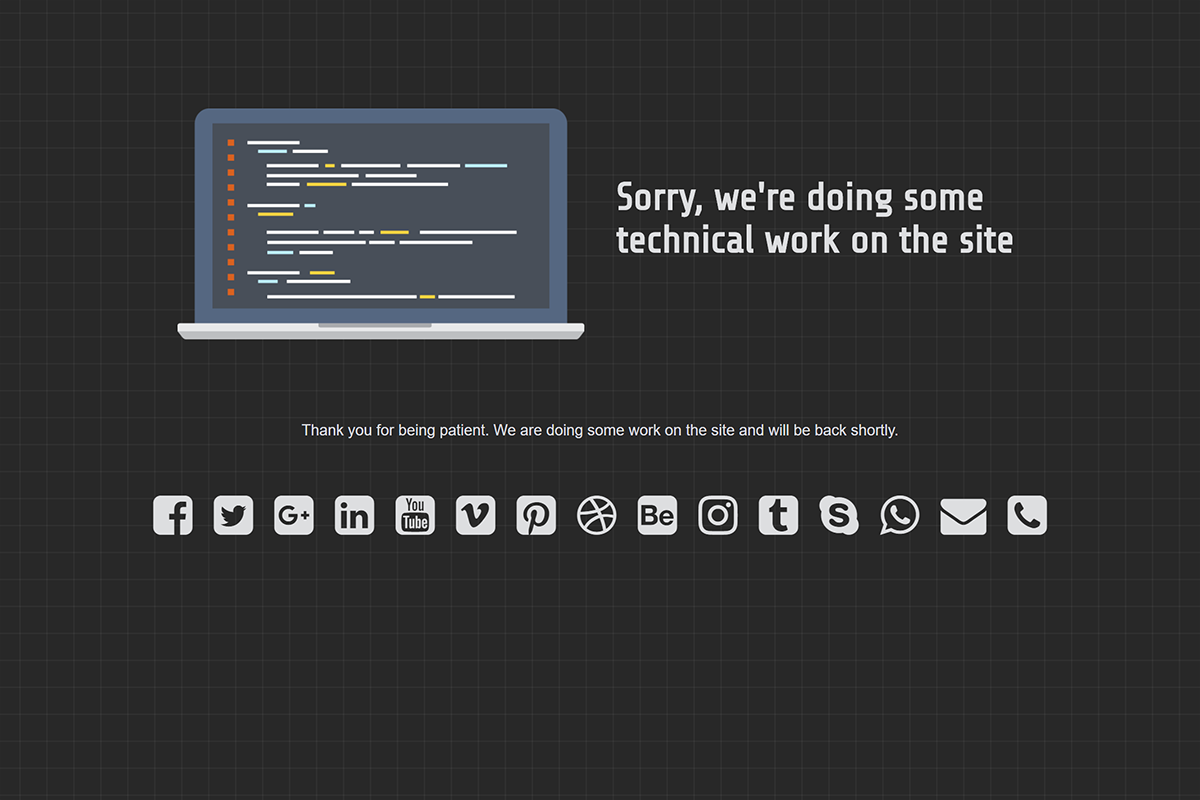
Laptop theme
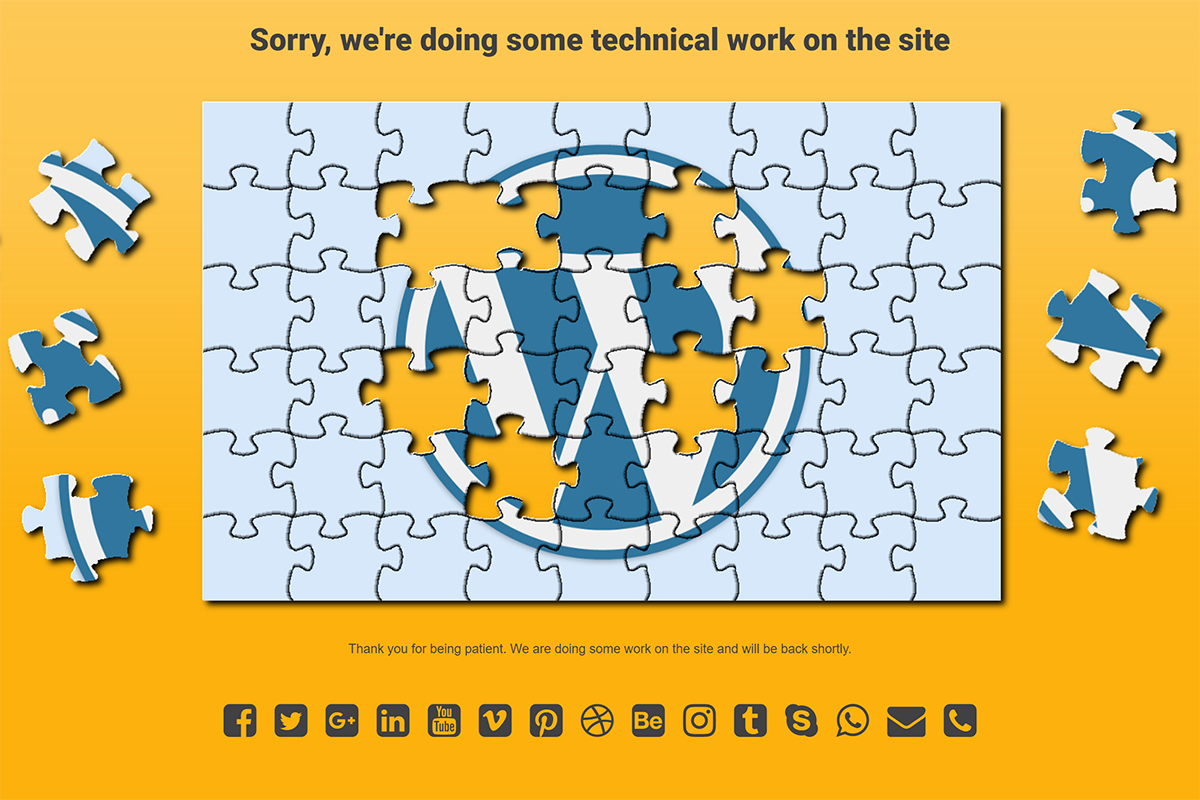
Puzzles theme contributed by Ralf Biester
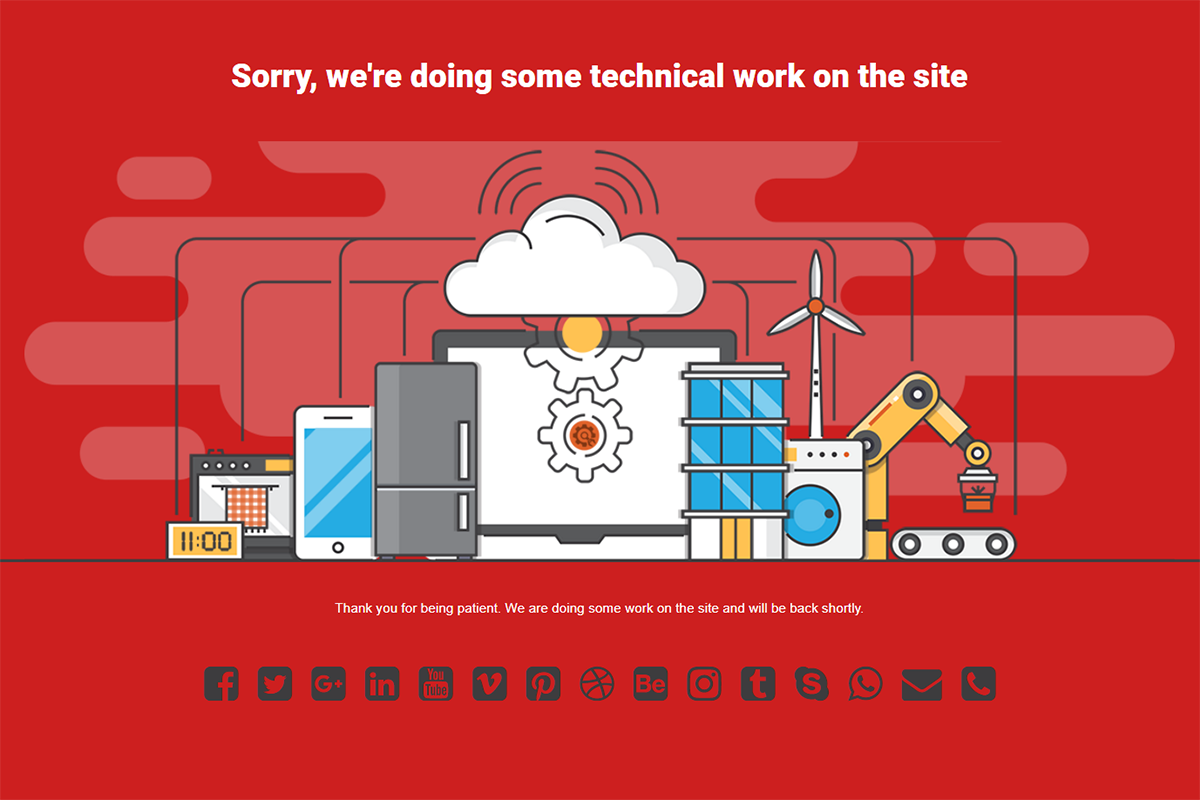
Internet of Things
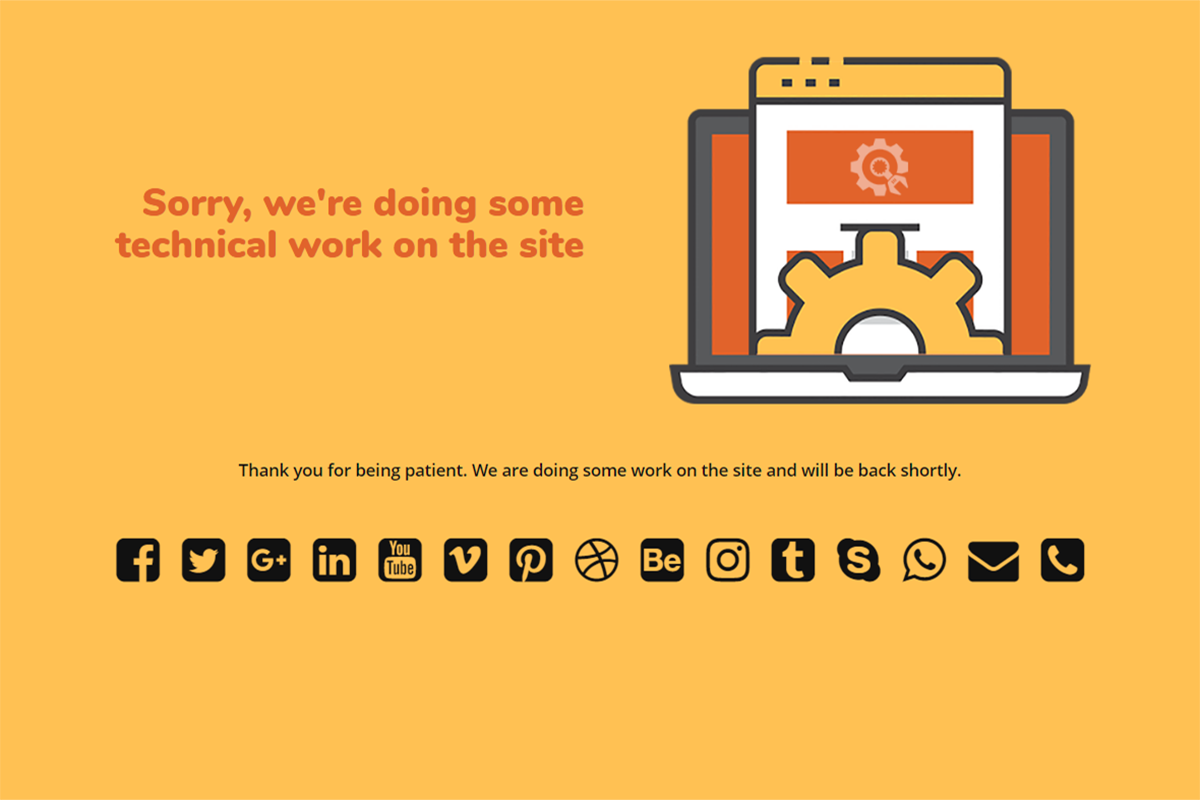
Setup theme
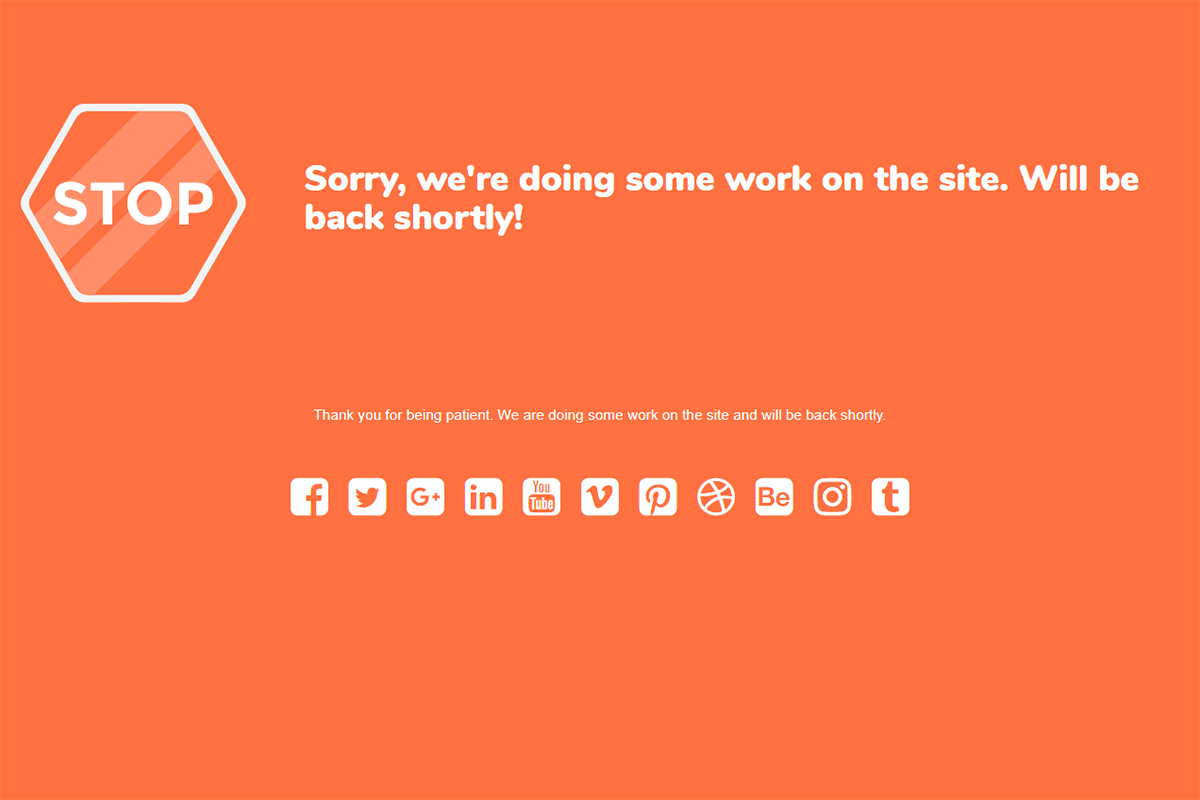
Stop theme
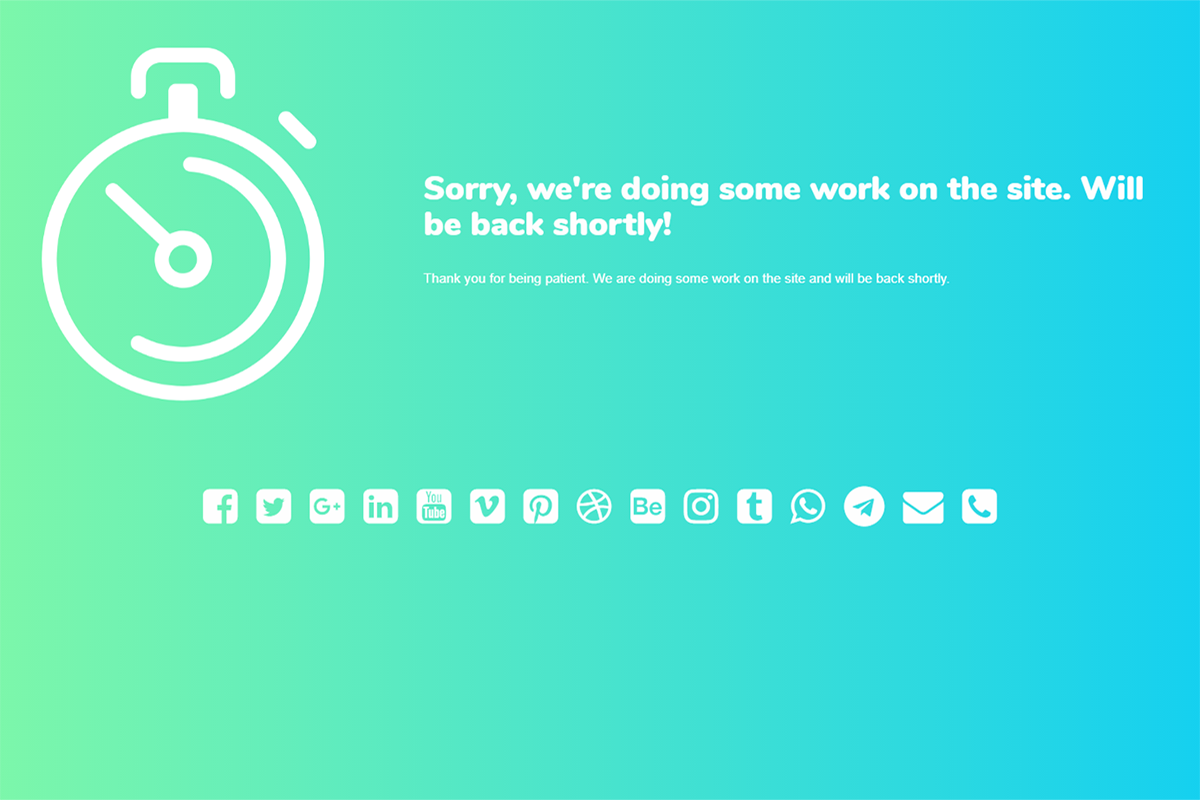
Clock theme
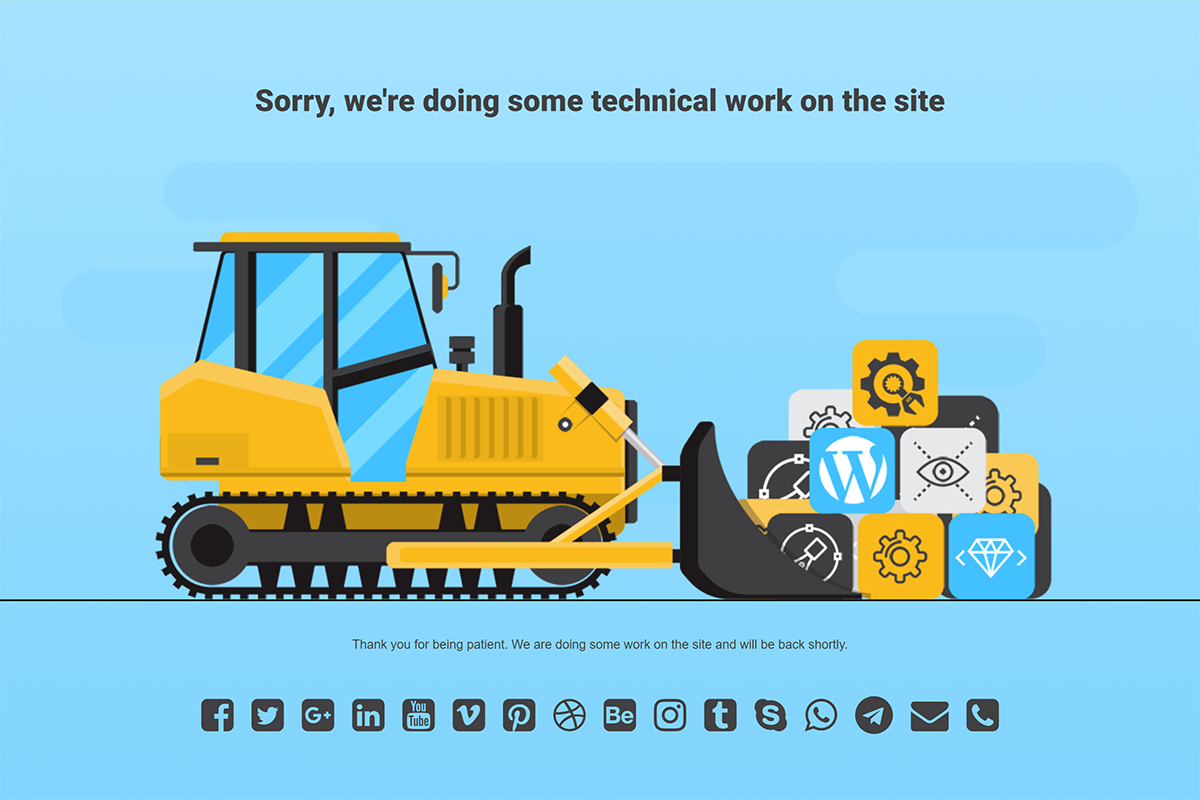
Bulldozer theme
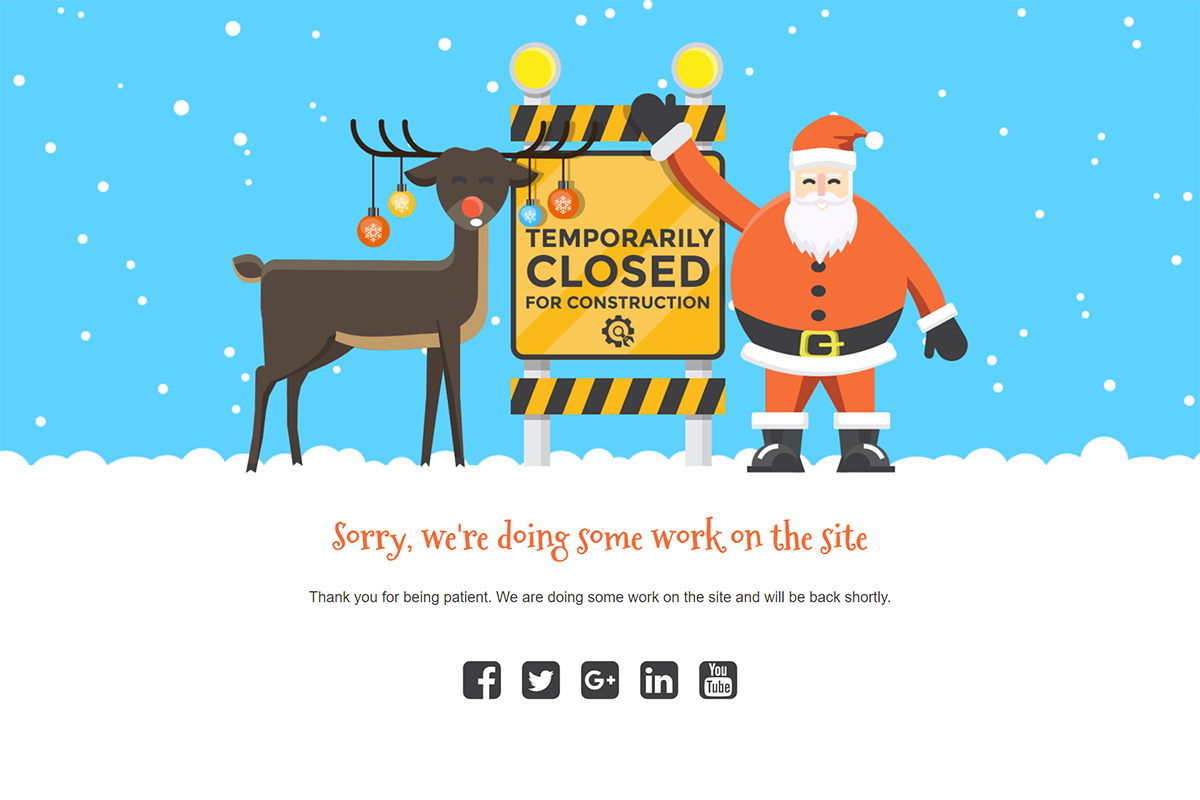
Christmas theme
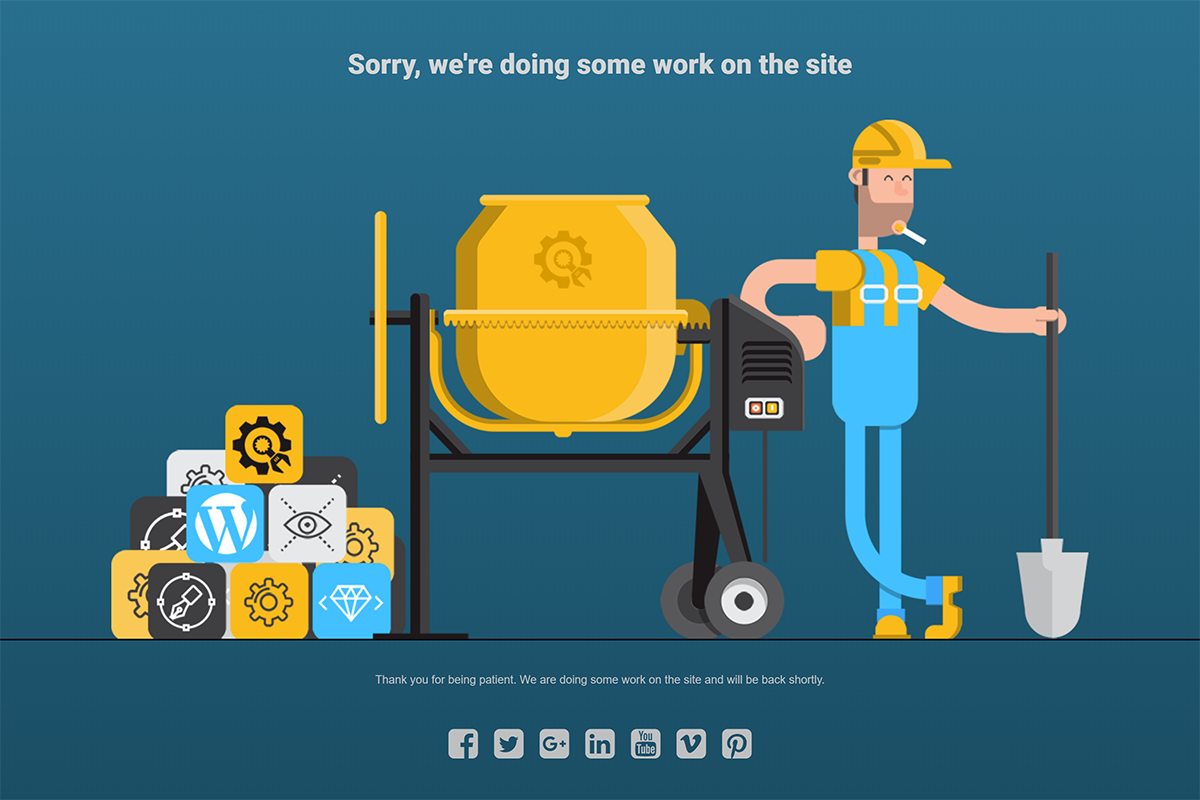
Hard Worker theme
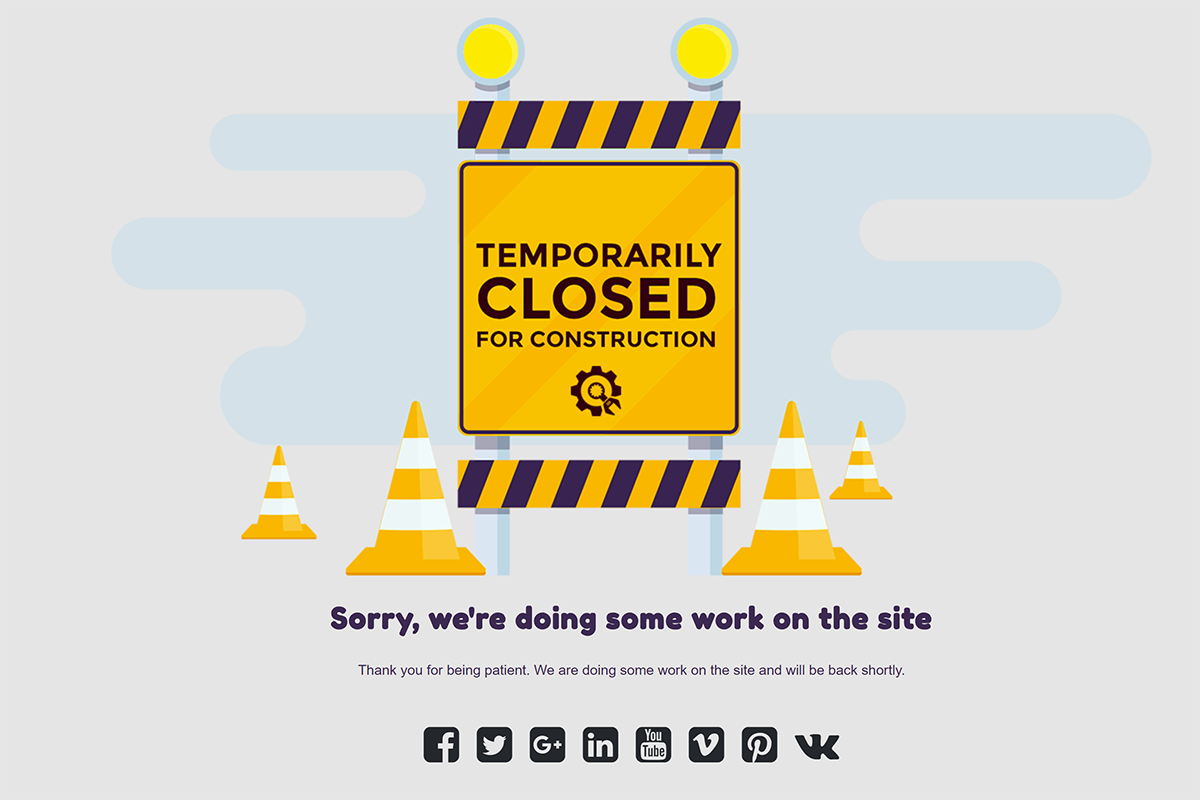
Temporarily Closed theme
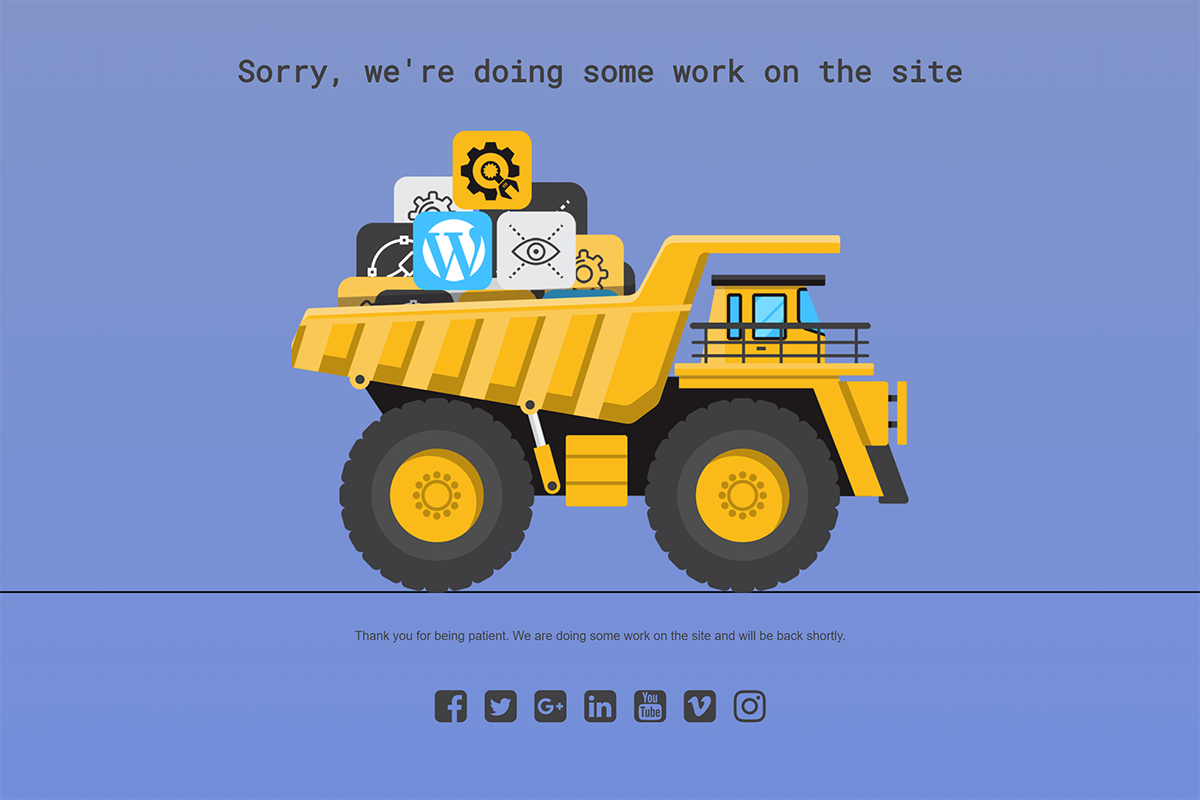
Dumper Truck theme
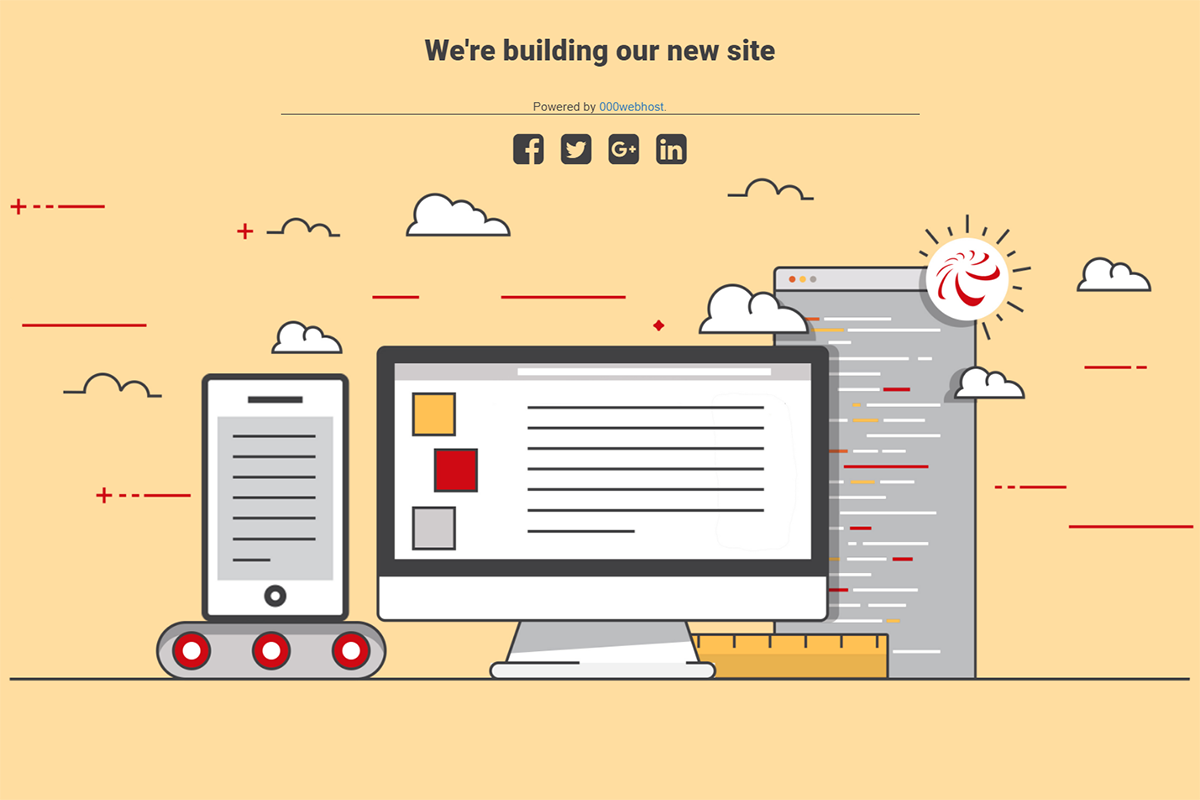
000webhost theme
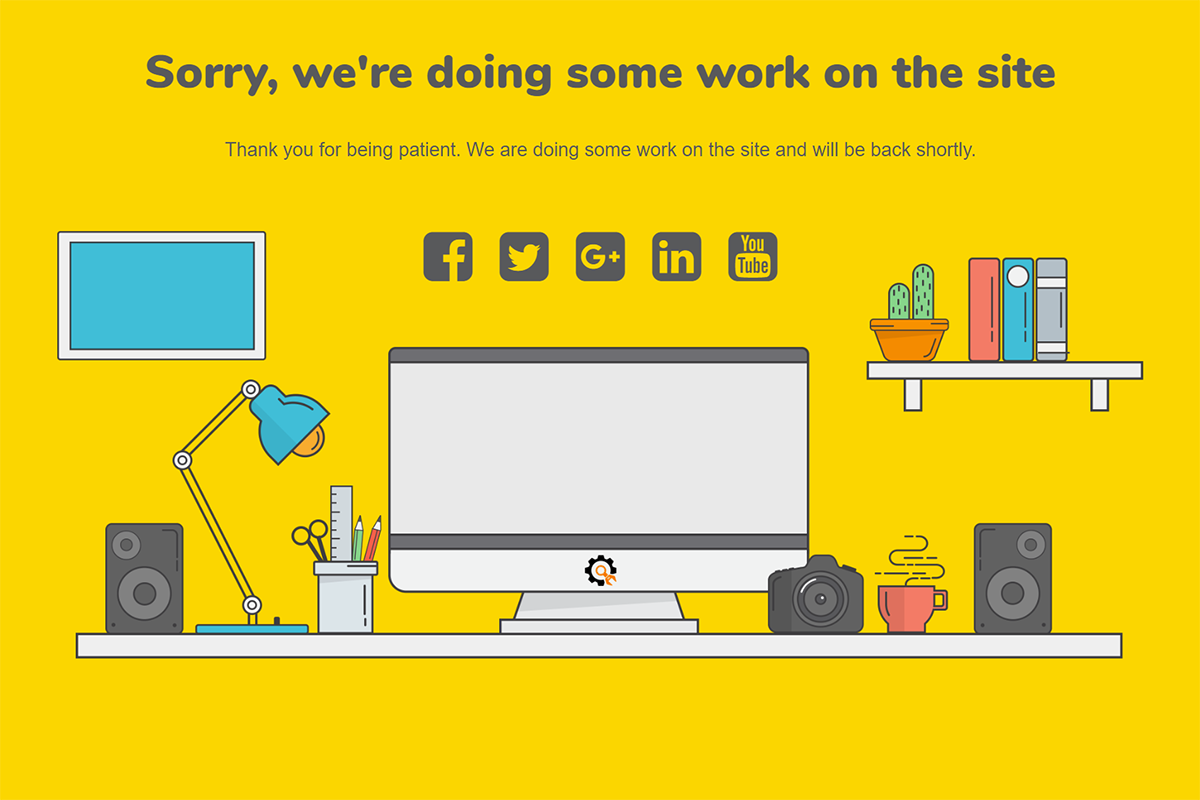
Work Desk theme
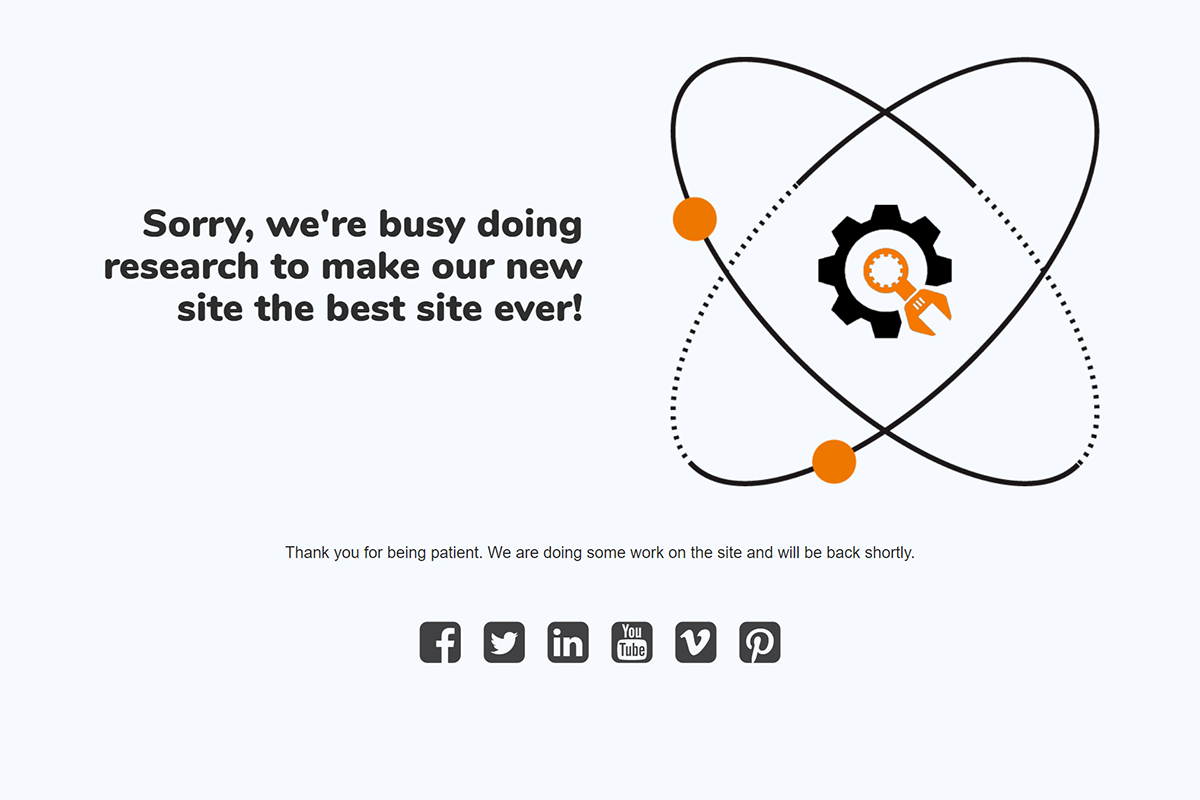
Research theme
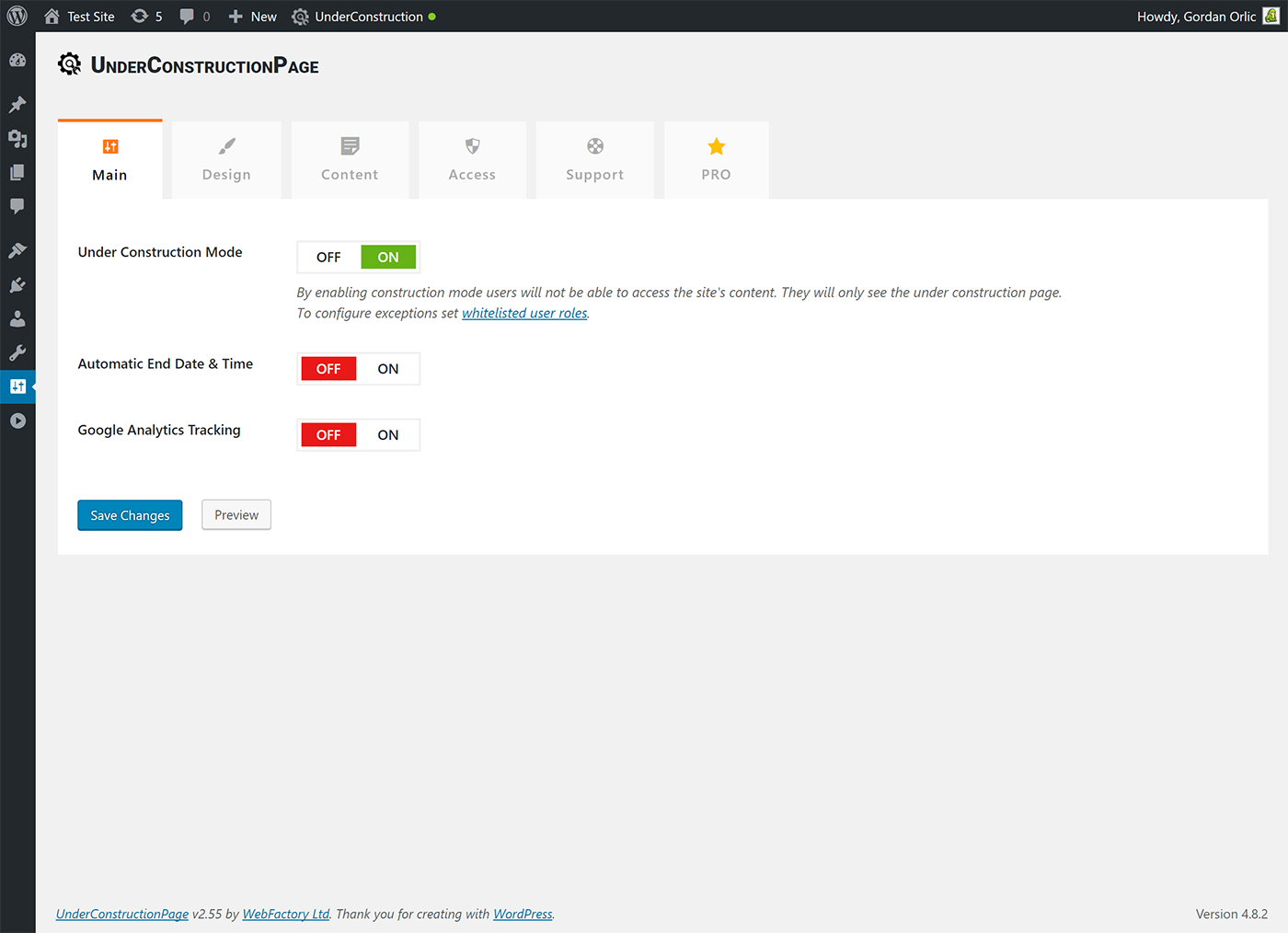
Main settings
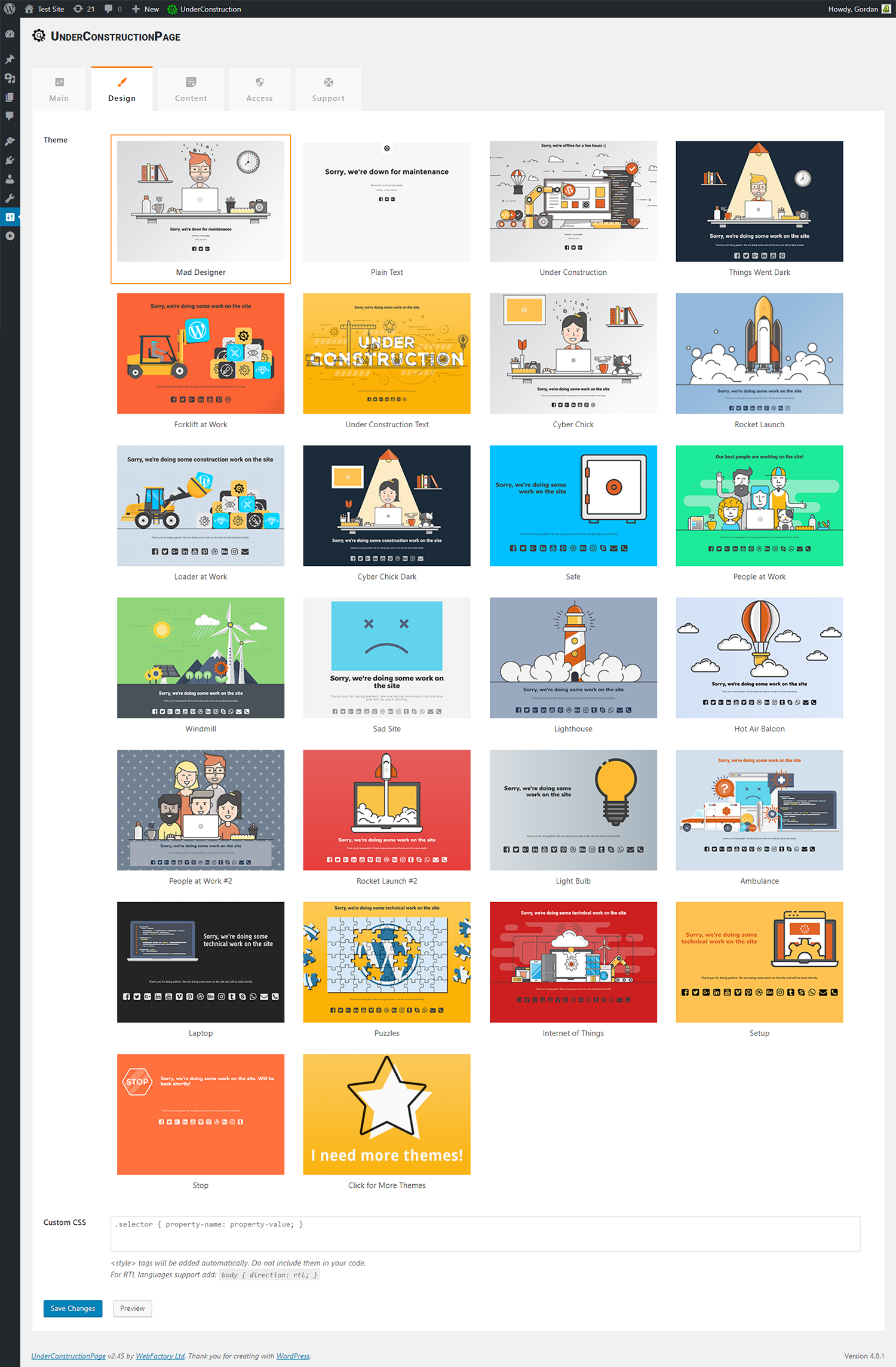
Design settings
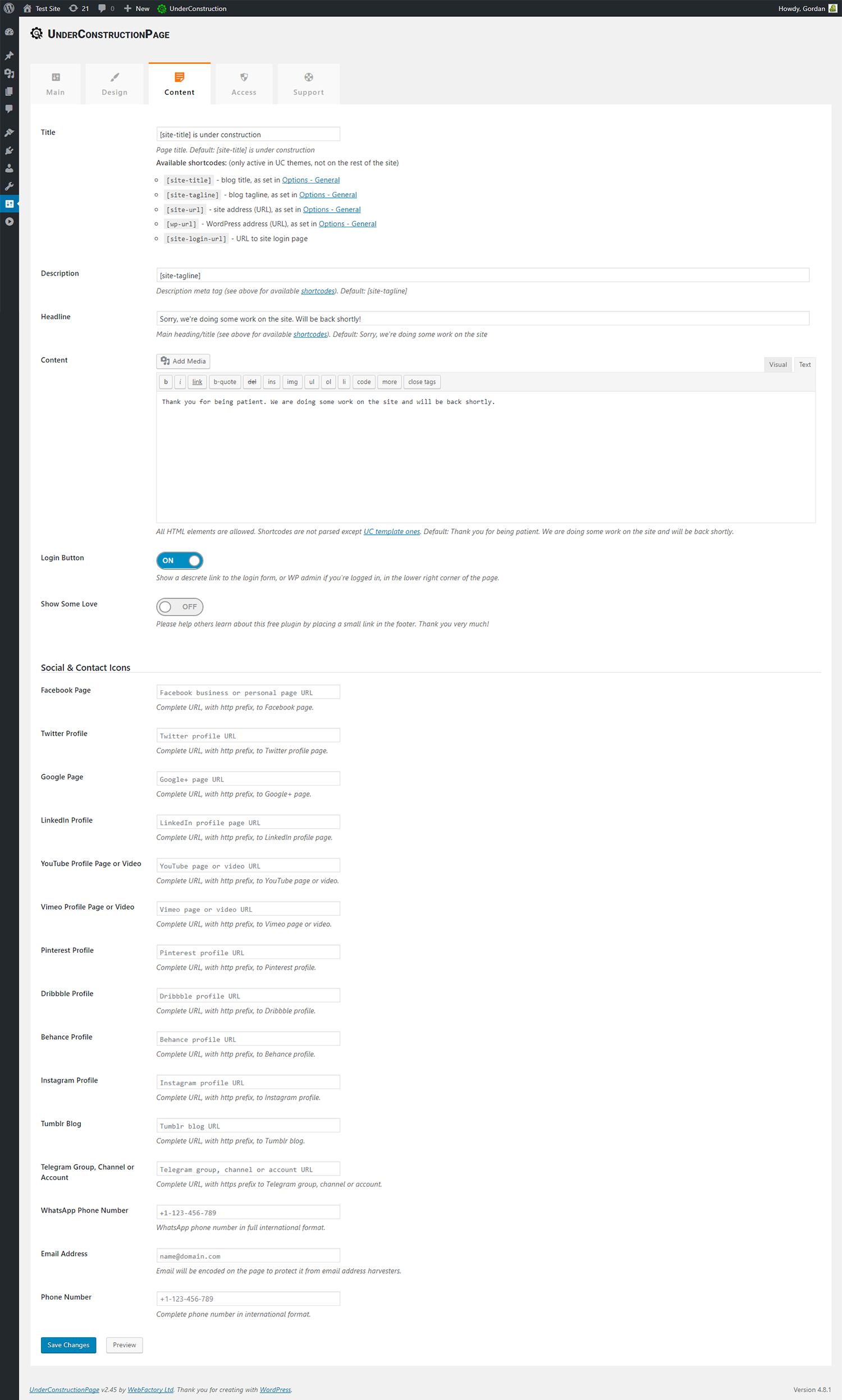
Content settings

Access settings
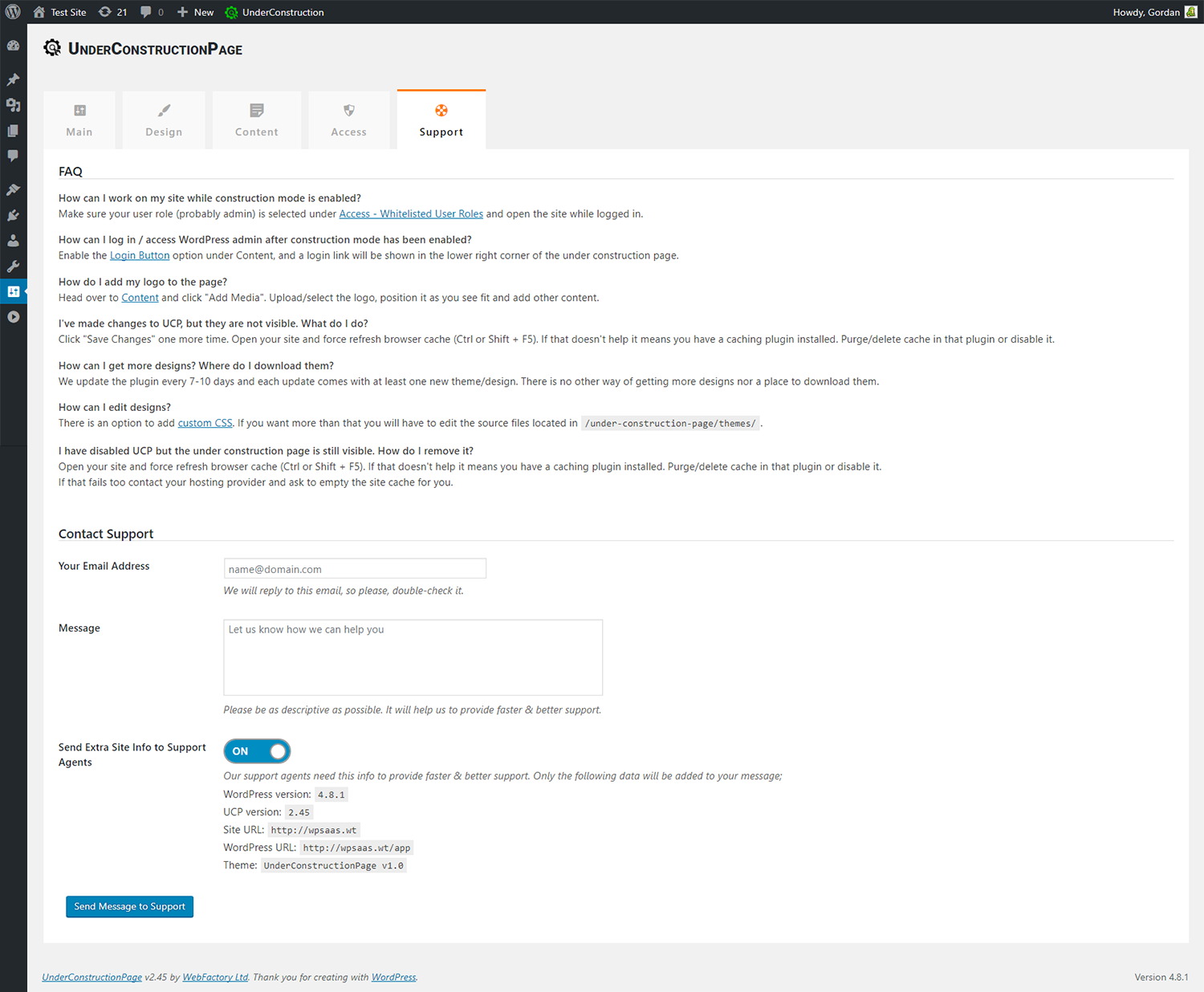
Support
FAQ
For anyone who wants to display a under construction / maintenance page while they’re doing work on their site.
Absolutely not.
Sure! Under construction works 100% with all themes.
Sure! It works 100% with all plugins.
None. Once you disable the under construction page your site will function as it did before.
We did our very best to make Under Construction compatible with all plugins and themes, but problems can still happen. No worries, head over to the support forum open a new thread, and we’ll help you ASAP.
Make sure your user role (probably admin) is selected under Access – Whitelisted User Roles option and open the site while logged in.
Enable the Login Button option (found in Content tab), and a login link will be shown in the lower right corner of the under construction page.
Head over to the Content tab and click “Add Media”. Upload/select the logo, position it as you see fit and add other content.
Click “Save Changes” one more time. Open your site and force refresh browser cache (Ctrl or Shift + F5). If that doesn’t help it means you have a caching plugin installed. Purge/delete cache in that plugin or disable it.
We update the plugin every 7-10 days and each update comes with at least one new theme/design. There is no other way to get more designs nor a place to download them.
There is an option to add custom CSS. If you want more than that you will have to edit the source files located in /under-construction-page/themes/.
Open your site and force refresh browser cache (Ctrl or Shift + F5). If that doesn’t help it means you have a caching plugin installed. Purge/delete cache in that plugin or disable it. If that fails too contact your hosting provider and ask them to empty the site cache for you.
UCP is compatible with all caching plugins. However, please note that we automatically empty cache when UCP status is changed only for the following plugins: W3 Total Cache, WP Super Cache, Endurance Page Cache, SiteGround SuperCacher and WP Fastest Cache.
You can report security bugs through the Patchstack Vulnerability Disclosure Program. The Patchstack team help validate, triage and handle any security vulnerabilities. Report a security vulnerability.
Changelog
4.01
- 2024/07/08
- minor security fixes
4.00
- 2024/04/11
- updated Google Analytics tracking code
- fixed 2 templates so jquery is not loaded remotely
3.99
- 2024/02/17
- fixed some template tags getting stripped by wp_kses
3.98
- 2024/01/29
- fixed notice popup close button
3.97
- 2023/02/10
- nonce fixes; thank you Wordfence!
3.96
- 2023/01/16
- changes in PRO prices
- code cleanup
- minor compatibility fix
3.95
- 2022/11/22
- Google Fonts replaced with GDPR friendly Bunny Fonts
3.93
- 2022/04/13
- Fix for escaping HTML that shouldn’t be escaped
3.92
- 2022/01/13
- Google Analytics fix
- sorry for the multiple updates 🙁
3.91
- 2022/01/12
- fix for Weglot integration
3.90
- 2022/01/05
- security fixes
- added ad for our WP Force SSL plugin
3.89
- 2021/07/23
- bug fix for Weglot
3.88
- 2021/02/20
- 500,000 installations hit on 2021/01/31
- added support for Cache Enabler plugin
3.87
- 2021/01/30
- removed promo for WF plugins
3.86
- 2021/01/20
- security fixes
- added quick links button
3.85
- 2021/01/13
- removed Google+
- removed WP 301 Redirects promo campaign
3.83
- 2020/10/27
- removed automatic PRO license activation
3.82
- 2020/10/01
- minor fixes
- added promo for WP 301 Redirects
3.81
- 2020/08/20
- bug fixes
3.80
- 2020/06/17
- more cache handling improvements
- stripped HTML from page title and description
3.75
- 2020/04/15
- better cache handling
3.70
- 2020/03/27
- minor bug fixes
- removed Security Ninja ads
- 400,000 installations hit on 2019-12-06
- for older changelog entries please refer to https://underconstructionpage.com/old-changelog.txt