

Location Add-on For Gravity Forms Plugin
A Gravity Form add-on that shows a list of forms with the page or post they are published on.
The Location Add-on for Gravity Forms plugin adds a “Form Locations” page within the Gravity Forms menu so that all forms that have been added to pages or posts are visible on one screen. Links will take you to the form editor or the post editor so there is one convenient place to manage your forms.
Additionally, when editing a form in the backend, there is a “Locations” tab so you can view all the pages or posts where that form is currently used. It even includes forms located in drafts or private pages.
Installation
Install Location Add-on for Gravity Forms via the plugin directory, or upload the files manually to your server and follow the on-screen instructions.
Gravity Forms version 2.0 or later must be installed for this plugin to work.
Screenshots
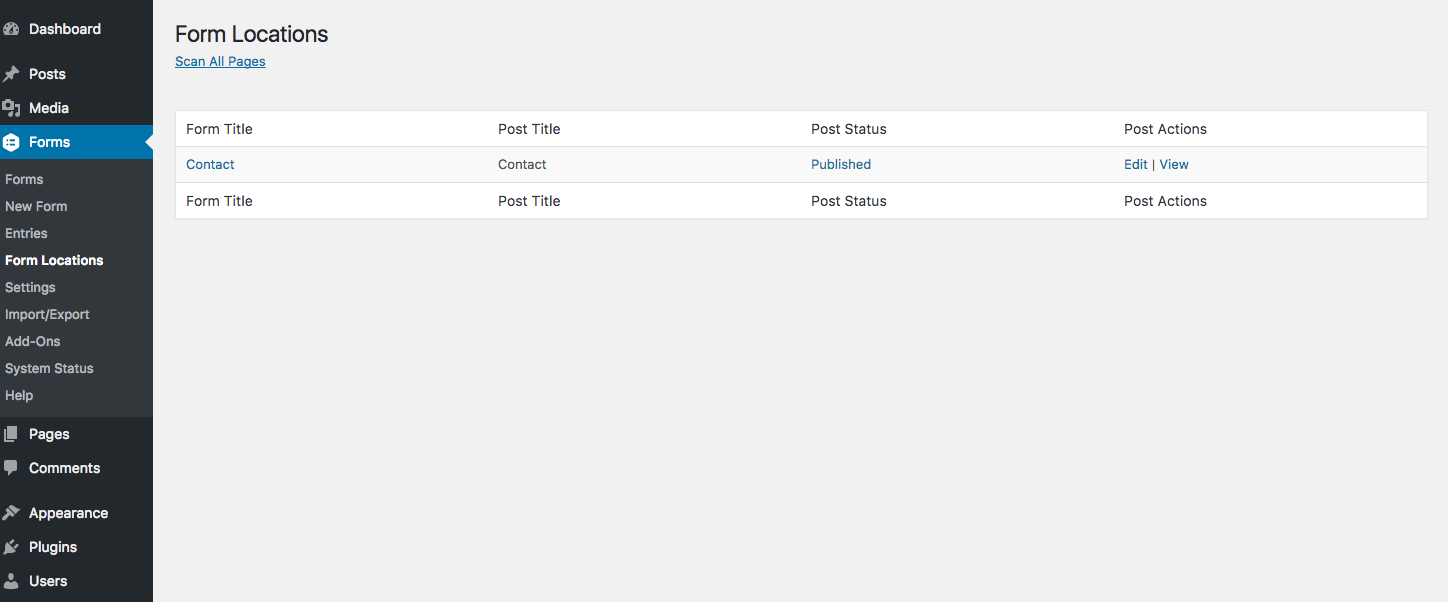
Form Locations: View all your forms and the pages/posts that they are on.
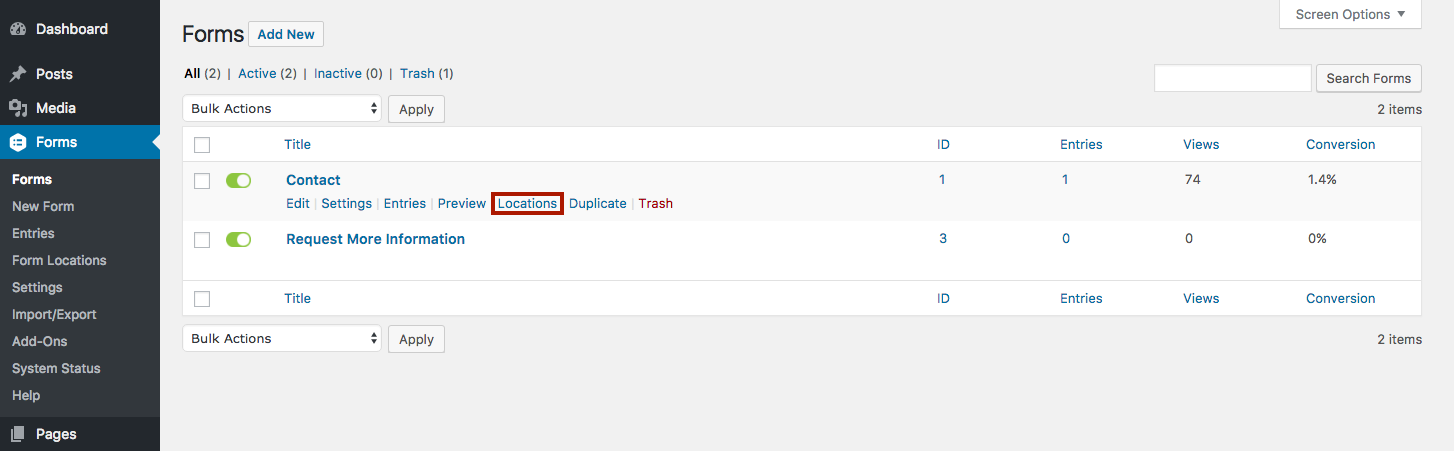
New quick link to view all the pages/posts a specific form is currently published on.
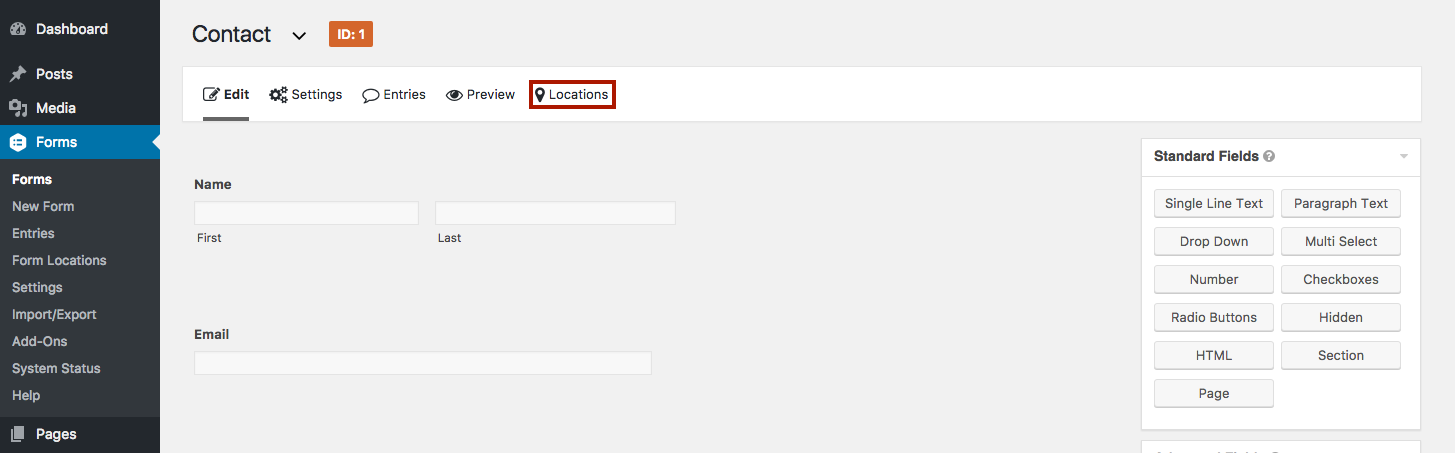
Another new quick link to view all the pages/posts the current form is published on.
FAQ
The plugin will run a scan of all the pages and posts on your site looking for any [gravityforms] shortcodes. If it finds a shortcode, the form and post are added to the “Locations” page in the admin.
Not currently, but if enough people request it, I’ll consider adding in that functionality.
Yes, in addition to searching the page/post content, the plugin will also search all the post meta fields which is where a lot of page builders store their data.
Help me improve this plugin on GitHub by submitting a pull request or adding an issue (https://github.com/tarecord/location-add-on-for-gravity-forms).
Changelog
2.0.1
- Fix plugin deployment process
2.0
- Newly rewritten plugin that fixes most major functionality problems
- Added page builder compatibility
- Fixed security issues
1.4.0
- Refactored plugin to help with testing and maintainability.
- Fixed backwards compatibility for sites running WordPress < 5.0
- Addressed several bugs causing missing form locations
1.3.0
- Fixed bugs related to scanning and finding forms
- Added support for gutenberg forms.
1.2.0
- Fixed a bug that caused some forms to be missed when scanning.
- Fixed bugs related to duplicated form locations when editing posts.
- Added support for multiple forms on the same post.
- Added sortable columns to the location table.
- Added pagination to the location table.
1.0.2
- Fix bug causing plugin to crash on PHP 7
1.0.1
- Fixed bug causing form locations to be duplicated in the location table
- Added correct link for donations
1.0.0
- Initial Release