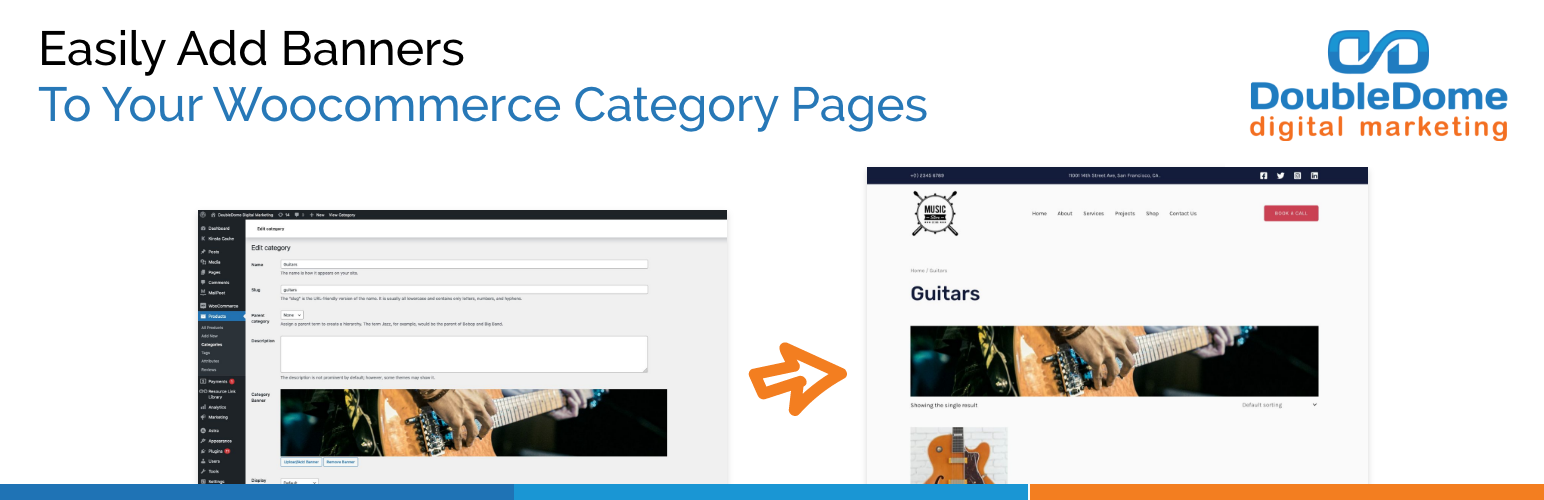

Category Banner Management for Woocommerce Plugin
The plugin provides you with the capability to seamlessly integrate or upload image banners onto your Woocommerce category pages with or without a lin …
The plugin provides you with the capability to seamlessly integrate or upload image banners onto your Woocommerce category pages. This means you have the flexibility to upload any image of your choice to serve as a visually captivating banner positioned at the top of each category page. The plugin also allow you to add a link to the category banner image and set it to open in new tab.
PLUGIN FUNCTIONALITY
- User-friendly interface
- Enable or disable banners for specific categories
- Add link to the banner and set it to open in new tab
- Fully responsive for desktop and mobile usability
Support
Do you have questions or issues with Category Banner Management for Woocommerce by DoubleDome Digital Marketing Setup? Please send an email to pluginsupport@doubledome.com.
Installation
- Upload the entire
category-banner-management-for-woocommercefolder to the/wp-content/plugins/directory - Activate the plugin through the ‘Plugins’ menu in WordPress
Screenshots
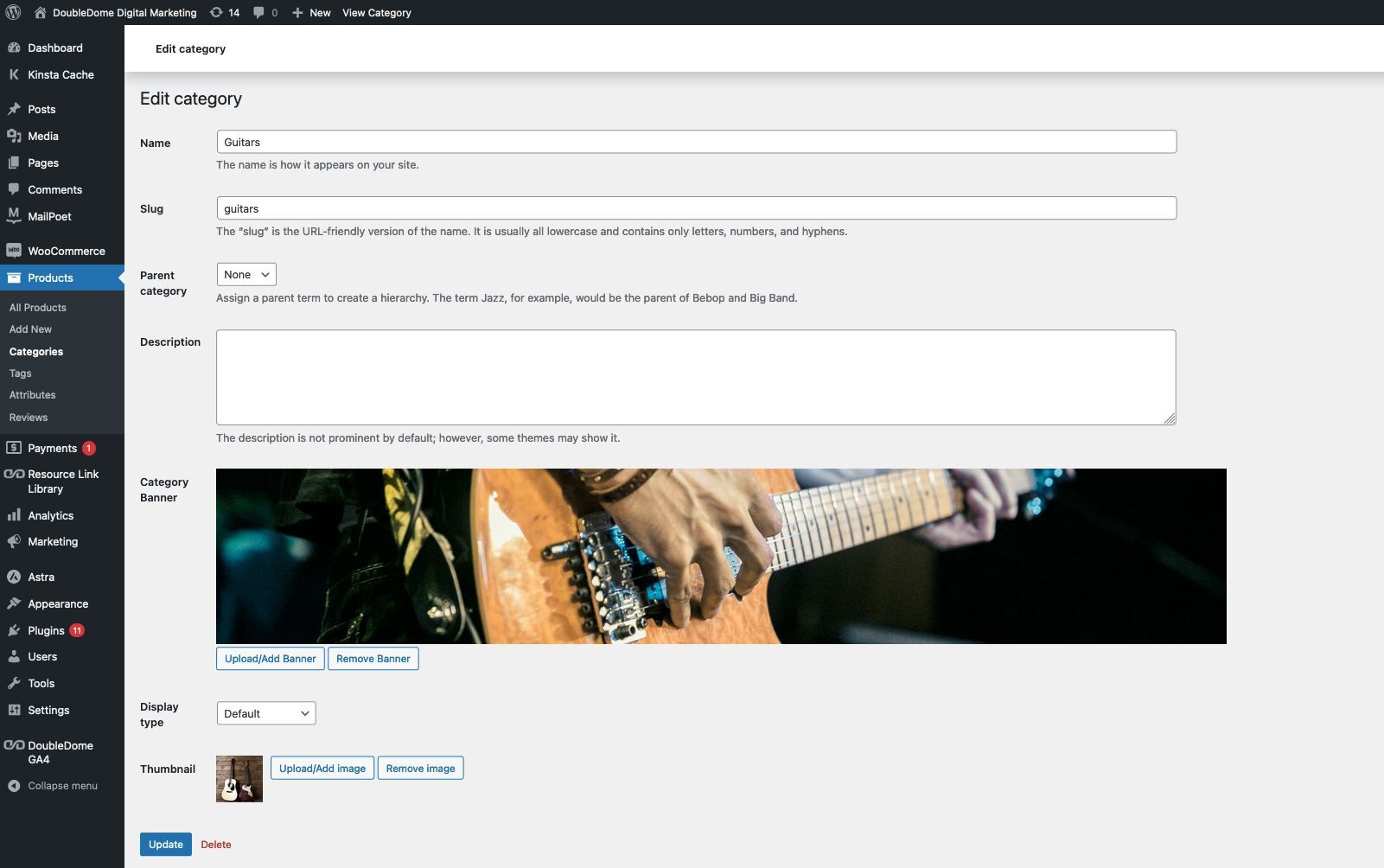
Category Banner field on Edit Category page

Category Banner on Woocommerce Category page
FAQ
- Category Banner Management for Woocommerce Plugin is compatible from WordPress 5.3 to 6.5.4
- Category Banner Management for Woocommerce Plugin is compatible from Woocommerce 4.0.0 to 8.9.2
- Yes, Category Banner Management for Woocommerce Plugin is compatible with Astra theme.
Changelog
1.2
- Added Feature to add link to the banner image and set it to open in new tab.
- Tested and verified on WordPress 6.5.4 and Woocommerce 8.9.2.
1.1
- Tested and verified on WordPress 6.5.2 and Woocommerce 8.7.0.
1.0
- Initial release of the plugin.